

Are you ready to build a successful shop with Etsy printables today?
Affiliate Disclosure: This post contains affiliate links. As an Amazon Associate, I earn from qualifying purchases. If you buy through these links, I may earn a commission at no additional cost to you.
Six months ago, I did not even know what a digital download meant on this platform. I simply thought Etsy printables were just basic PDFs people printed at home for fun. It seemed like a cute hobby, but I never expected anyone to actually pay real money for them. Then, I unexpectedly made my very first online sale. Fortunately, another order arrived just a few days later. Almost without noticing, I quickly crossed $500 in total revenue from a handful of simple planner templates — my own numbers from one small shop, an unverified case study rather than a promised outcome. I created all of them using the free online version of Canva.
I am certainly not a professional graphic designer. Furthermore, I do not have a large social media audience or a massive following. I did not spend a single dollar running paid ads either. What I actually had was a strategic plan, combined with a lot of trial and error before things started working properly. This is my exact journey, step by step, in case you are standing exactly where I was six months ago. To achieve these automated results, I used specialized structural setups. Much like our popular guide on building craft business frameworks, scaling your creative business relies heavily on using organized systems.
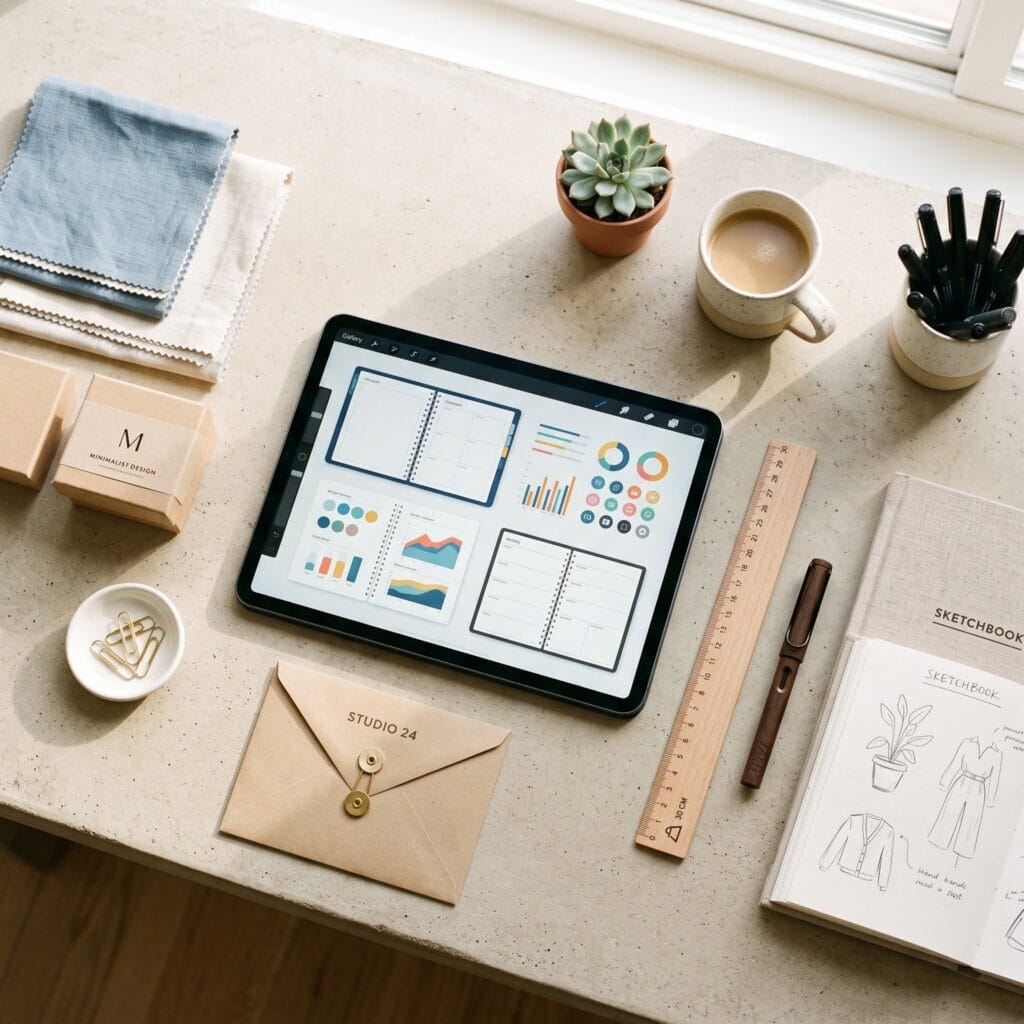
What You Need: Tools and Accounts to Sell Printables
This is a digital product, so what you need is tools and accounts rather than materials:
- Canva Design Software — the design software used to lay out and export every page | Open Canva
- Etsy Seller Account — where the finished PDF is listed, paid for and delivered | Start an Etsy Seller Account
- Home Printer — needed for the test-print step at Actual Size and Fit to Page | Check home printers on Amazon
- Printer Paper (A4 / US Letter) — matching plain paper for that test print before you publish | Check printer paper on Amazon
1. The Inspiring Moment I Decided to Create Etsy Printables
My digital journey started with a wonderful Pinterest rabbit hole. I kept seeing the same exciting phrase over and over: passive income with printables. Because Pinterest is an incredible search engine for creative inspiration, those beautiful pins instantly sparked my curiosity.
The initial barrier to entry was so low that I decided to give it a fair chance. What is the worst that could happen to a beginner? I lose a few hours designing a template that nobody buys.
Consequently, I made a clear decision that completely shaped my next six months. I gave myself one product, one weekend, and zero expectations. If you want to compare other digital growth software before starting, check our list of the 4 best Etsy tools to explode your shop growth fast. This structural research helped me understand automated shop management much better.
2. My First Digital Product Attempt Was Not Great
My very first printable was a basic weekly planner. It had a generic name, a generic design, and no real market direction. I uploaded the files to Etsy, added five photos, wrote a short description, and waited.
Absolutely nothing happened for two full weeks.
That heavy silence taught me a highly important lesson about the marketplace. Etsy does not sell your products for you automatically. It operates exactly like a search engine with a marketplace attached, and if your listing is not built for search, it simply does not exist to active buyers.
That was the turning point where I stopped thinking like a casual crafter and started thinking like a professional seller. Specifically, I decided to overhaul my entire optimization routine.
3. What Actually Changed the Game for My Etsy Printables Business
I Stopped Guessing Search Keywords
First, I opened the search bar and typed the word “planner.” The autocomplete suggestions provided a massive wave of free keyword data. I carefully noted every long-tail phrase that showed up automatically.
Next, I collected valuable terms like “budget planner printable,” “adhd daily planner pdf,” and “minimalist weekly planner digital download.”
Then, I rebuilt my listing titles and tags around what real buyers were actually typing, not what sounded nice to me. To find out which automated software works best for this specific task, read our deep comparison review on eRank vs Marmalead which Etsy SEO tool is better. Consequently, my shop traffic began to climb immediately.
I Niched Down Instead of Going Broad
The broad term “planner” was simply too competitive for a new shop. Therefore, I picked a highly specific angle: a budget planner printable for freelancers. This angle put me in a small, specific corner of the market where a new shop could actually be found.
I also defined exactly what the buyer received: a 12-page planner PDF for freelancers, sized for A4 and US Letter, with a monthly budget spread, a weekly expense log, and an invoice tracker, delivered as an instant download.
Niching down felt a bit counterintuitive at first because I assumed a broader product would reach more people.
However, in my own tests the opposite held: narrowly specific listings often ranked better and converted faster, because the person searching felt like the file was made just for them.
I Rewrote My Listing Like a Sales Page
My original product description was only one sentence long. My new template followed a clean, converting structure:
- The Hook: First, state the exact problem your target buyer is dealing with currently.
- What is Included: Next, list the exact file types, page numbers, and dimensions.
- How it Helps: Then, explain the change it makes in the buyer’s day, not just the basic features.
- How to Use it: Provide clear, step-by-step instructions to prevent confusion.
- The FAQ Section: Finally, add professional printing tips, device compatibility, and license info.
After this rewrite, my click-through rate climbed over the next couple of weeks, according to my Etsy Shop Stats — one shop’s numbers, not a promised lift.
I Built a Tiny Digital Funnel
This is the vital part most beginner guides skip. One single listing rarely gets there on its own — in my shop, a connected system is what made the difference. If you structure your dashboard around Etsy printables, funnels become your best tool.
Here is the exact funnel that worked for my store:
- The Entry Product: A low-priced, high-search-volume item priced at $4 to attract new buyers.
- The Upsell: A matching product bundle at a higher price point of $14 for buyers who want more variety.
- The Email Capture: A free mini printable offered inside my thank-you message, linking to a simple landing page.
- The Repeat Buyer Loop: Every listing referenced my other products, so browsing turned into multiple purchases.
In my shop, this simple funnel is what moved my numbers from an occasional sale to consistent daily orders.
I Treated Reviews Like Gold
Every single review I got, I thanked personally and asked politely if they would tell me what almost stopped them from buying. That structural feedback rewrote my FAQs, my photos, and even my pricing strategy. Consequently, my shop quality score improved.
4. The First $500: What It Actually Looked Like
First, one honest caveat: what follows is a single seller’s unverified case study, not a typical beginner result — your timeline and numbers will look different.
This milestone was not a sudden viral moment. It looked like this:
- More than 40 small transactions between $3 and $18.
- Spread across four separate listings instead of just one.
- Built over roughly 10 weeks of consistent, small tweaks.
- With exactly $0 spent on paid advertising.
- And to be clear, $500 was revenue, not profit — Etsy fees, payment processing and tool subscriptions all came out of that number.
The real unlock was not a secret trick or a magical hack. It was treating Etsy like a search platform, and treating my shop like a small, connected system instead of a pile of unrelated listings.
Your First Printable, Step by Step
Turn the story above into one repeatable workflow. Run it end to end for a single product before you build a catalog:
- Choose a validated niche: one phrase with steady autocomplete demand and a manageable number of competing listings.
- Define the page count and the print size before you design anything.
- Design the planner page by page in Canva.
- Export a print-ready PDF with embedded fonts and no cut-off margins.
- Test-print it on your own printer before you publish the listing.
- Name and package the files clearly, with size and version in the file name.
- Create listing images that show the printable in real use.
- Upload the listing to Etsy with title, tags and description built from your keyword research.
- Write buyer printing instructions: which paper, which scale setting, and how to download the file again.
Canva Production Checklist
Run this checklist once per product before you export anything:
- Create separate documents for A4 and US Letter — never scale one file down to the other.
- Set safe margins on every page so no border or text sits near the trim edge.
- Build every page in the planner set (monthly budget spread, weekly expense log, invoice tracker) with fonts embedded.
- Export each document as PDF Print, then open both files and inspect every page for cut-off elements.
- Name the files with size and version before packaging (see the package block below).
- Test-print each size at Actual Size, then again at Fit to Page, and keep the copy that prints at full scale.
One Complete Listing Example
Here is the whole keyword-to-listing chain worked out for the example product — a budget planner for freelancers:
Autocomplete phrase: type “budget planner printable” in Etsy search and note the suggestions that append themselves (such as “budget planner printable pdf” or “budget planner printable instant download”). Competing-listing check: scan the first page of results — if it is nothing but big established shops, step back to a narrower phrase.
Buyer problem: freelancers with irregular income need one place to see what came in, what went out, and which invoices are still open. Listing title: Budget Planner Printable | 12-Page Freelancer Finance PDF | A4 & US Letter | Instant Download
All 13 tags (each under Etsy’s 20-character limit):
- budget planner
- freelance finance
- expense tracker
- budget printable
- invoice tracker
- money planner
- finance planner
- monthly budget
- budget template
- freelancer tools
- pdf planner
- instant download
- a4 us letter
Description opening: “Freelancers, meet your 12-page budget planner: a monthly budget spread, a weekly expense log and an invoice tracker in one printable PDF. Download instantly, print on A4 or US Letter, and start the month knowing exactly where your money stands.”
The Deliverable Package
Buyers get one ZIP — budget-planner-12p-v1.zip — containing budget-planner-12p-v1-a4.pdf and budget-planner-12p-v1-us-letter.pdf (two separate PDFs, 12 pages each, no resizing between them), plus a one-page printing-guide.pdf that states the paper size, the scale setting to use, and how to re-download the file later.
Before You Publish: Legal and Trust Checks
- Use only fonts, graphics and elements licensed for commercial use — Canva’s free library qualifies, but double-check any asset you upload yourself.
- Do not use trademarked names or brand imagery in any way that could mislead buyers about who made the file.
- State the license plainly in the listing: what buyers may print, whether commercial use is allowed, and what is not permitted.
- Publish your actual support and refund terms — for digital files, say clearly how you handle broken downloads or sizing problems.
🛠️ What If It Goes Wrong? Etsy Printables Troubleshooting Guide
- Problem:I listed my digital files, but I am receiving zero traffic to my store.
- Reason: Your selected keywords might be too broad to rank well. Furthermore, new shops often need a few weeks before the algorithm indexes their listings fully.
- Solution: Use the autocomplete bar to find longer phrases. Then, update your tags to match specific buyer needs.
- Problem:Buyers are leaving messages about formatting issues with their downloads.
- Reason: Standard home printers can scale digital PDF documents awkwardly. Furthermore, file formats might vary across mobile devices.
- Solution: Include a friendly, text-based printing instruction guide inside your automated zip files. Consequently, you will protect your shop ratings.
🙋♂️ Frequently Asked Questions (FAQ)
What software should I use to create Etsy printables as a beginner?
You can start easily with the free version of Canva. As your design skills improve, using tools like Adobe Illustrator or Affinity Designer will help you create high-end vector layouts.
Do I need paid ads to get my first sales?
No — this workflow is organic-first, built on search optimization and connected listings, so you can start with zero ad spend. My own first $500 arrived without ads, though how quickly that happens varies from shop to shop.
Have you started selling printables on Etsy yet? I’d love to hear where you’re stuck — drop it in the comments and I’ll try to help.
What Buyers Ask After They Download
Digital products invite a different set of support questions than physical ones. Answer these inside the listing before the first buyer has to ask:
- Print formats: whether the file is A4, US Letter, or both.
- Home-printer scaling: fit-to-page versus actual size, so pages do not print cropped.
- Download access: where the file lives after purchase and how the buyer downloads it again.
- ZIP bundles: that multi-file products arrive as a ZIP that must be extracted first.
- Mobile limitations: that phone apps handle these PDFs poorly and a desktop works better.
- Personal-use license: what the buyer may and may not do with the file.
- Refund policy: your terms for digital downloads once the file has been accessed.
“Which of these Etsy Printables: How to Easily Make $500 ideas are you excited to try first, or do you have a creative tip of your own to share? Drop a comment below—I’d love to hear your thoughts and see what you create!”