

Tool overload drains a new shop before it finds its rhythm. The best Etsy tools for beginners create a small, connected system for research, listings, customer messages, and fulfillment; a crowded collection of subscriptions usually creates duplicate work instead.
Start with the official Etsy dashboard, a simple tracker, and one clear way to create accurate visuals. Then add a research or fulfillment platform only when a repeated task needs help. Our guide to Etsy tools for shop growth offers a useful next step once your basic workflow is steady.
Affiliate Disclosure: This post contains affiliate links. As an Amazon Associate, I earn from qualifying purchases. If you buy through these links, I may earn a commission at no additional cost to you.
Key Facts:
- Setup time: Opening accounts and publishing a first listing often fits into an afternoon once photos and policies are ready; research, photography, and policy writing usually add more time. Timing varies with experience and account verification.
- Difficulty: Beginner.
- Covers: research, listing creation, shop management, and fulfillment in one repeatable workflow.
- Core workflow: Etsy shop setup and tools, using one platform per business task and testing it through 1 listing cycle before keeping it.
This guide walks through the accounts, apps, and desk supplies that set up an Etsy shop from first login to first shipped order.
Essential Accounts and Desk Supplies
A practical seller workstation combines browser-based tools with a few physical supports that make planning and photography easier. Each tool below is optional unless a tutorial step names it as required; begin with the tools that fit your current shop task, then add only what removes a documented bottleneck. The best Etsy tools for beginners work best when each one has a defined job, a place to record decisions, and a regular review point.
| Supply | Spec / Size | Used For |
|---|---|---|
| Laptop computer | Full keyboard and browser | Dashboards and design |
| Smartphone camera | Current phone camera | Product photos and app alerts |
| Notebook or Sheets tracker | Listing fields | Launch tracking |
| Plain backdrop or bright window for listing photos | Neutral surface or indirect daylight | Source photos |
| For physical-product sellers: parcel scale and label printer | Digital scale and thermal or inkjet printer | Accurate shipping labels |
| Laptop stand and desk lamp | Adjustable | Ergonomic desk sessions |
🧰 Core Etsy Seller Tools
- Etsy Seller App — The official mobile tool keeps messages, order alerts, and basic shop activity visible away from your desk
- Etsy Shop Manager — The browser dashboard handles listing fields, shop settings, delivery profiles, and deeper operational checks
- eRank Keyword Research Tool — Records buyer-language ideas and listing-topic observations for an organized keyword test
- Marmalead Keyword Research Tool — Provides a second research interface, although beginners should test it against eRank rather than run both by default
- Canva Design Platform — Builds repeatable listing-image layouts, previews, banners, and readable product graphics
- EverBee Product Research Tool — Helps organize market observations before you develop an original product offer
- Alura Etsy Research Tool — Offers another research route for sellers testing whether a product idea answers a clear buyer need
- Google Sheets Listing Tracker — Keeps titles, keywords, image status, stock, costs, and revision dates in one accessible file
- Pirate Ship Account — Provides a separate shipping workflow for eligible physical-product sellers who need to compare and purchase shipping labels.
- Printify Account — Production partner account used in the print-on-demand listing test
📷 Product Planning and Desk Setup
- Laptop Computer with Full Keyboard — A full browser and keyboard make detailed listing edits, spreadsheets, and design work easier to inspect | [Check Price on Amazon]
- Adjustable Laptop Stand — Optional ergonomic upgrade: raises the screen to a comfortable review height for long listing sessions | [View Laptop Stand on Amazon]
- Daylight Desk Lamp — Optional for evening work: daylight-toned task lighting for clear product-planning notes | [View Daylight Desk Lamp on Amazon]
- Smartphone Camera — Use a current smartphone camera to photograph physical products, inspect image sharpness, and review listing images on a small screen.
- Plain Backdrop or Bright Window for Listing Photos — Use a neutral surface or available indirect window light to show product edges, color, and scale clearly.
- For Physical-Product Sellers: Digital Parcel Scale — Weigh fully packed orders before buying postage so the shipment record reflects the actual parcel.
- For Physical-Product Sellers: Shipping Label Printer — Print purchased shipping labels clearly and attach them flat to packed parcels.
Physical-product sellers need original, accurate photographs of the item they will ship. Digital sellers need equally accurate previews and mockups that show file format, scale, and intended use without suggesting the buyer receives an item that is not included.
10 Best Etsy Tools for Beginners: What Each One Does
Choose tools by task fit, learning curve, access to a free starting point or trial, data clarity, and compatibility with your existing routine. Each tool should remove a real obstacle, such as scattered listing notes, weak image consistency, or repeated manual shipping work.
No platform guarantees traffic or sales. Product quality, honest descriptions, responsive service, realistic processing expectations, and Etsy policy compliance still determine whether a shop earns buyer trust. First, set up the core workflow below before adding a specialist platform.
- Identify one business task that repeatedly takes too long or produces mistakes.
- Choose one tool that directly supports that task.
- Configure the tool with your real listing details, product information, or customer-message routine.
- Test the workflow through one complete listing cycle, from drafting through review.
- Measure time saved, decisions improved, and unresolved problems.
- Retain the tool only if it solves the documented bottleneck; otherwise, remove it from your stack.
Consequently, the ten options below work best as individual trials rather than a package of simultaneous subscriptions. In addition, record what each platform changes in your process so later decisions rest on evidence from your own shop.
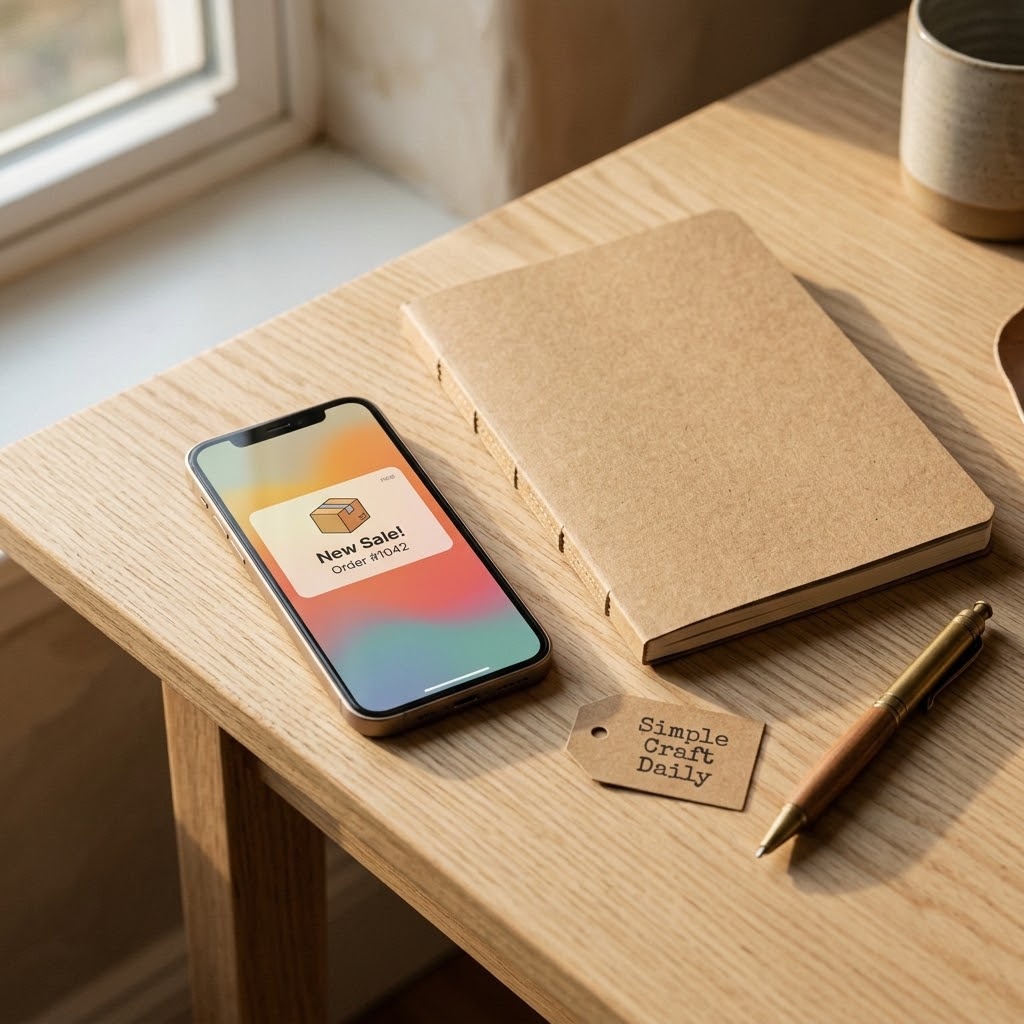
1. Best Etsy Tools for Beginners: Seller App Checks
Supplies Needed: Smartphone, Etsy Seller App, daily notification plan.
- Install the Etsy Seller App on your smartphone and sign in with your shop account.
- Enable notifications for customer messages and completed orders.
- Set two daily check windows, such as morning and late afternoon.
- Review new activity during each window and reply with accurate order information.
- Move major listing edits to a desktop session.
The Etsy Seller App is usually the first of the best Etsy tools for beginners to install because it puts essential shop activity in reach without turning every alert into an interruption. Use your daily notification plan to answer messages promptly while preserving blocks of focused production or design time.
Next, open Shop Manager on a laptop for title revisions, variations, policy settings, and image-order changes. A phone screen can hide fields or make careful proofreading harder. Keep message replies specific, especially when confirming personalization details, processing windows, or shipping updates.
2. Best Etsy Tools for Beginners: Shop Manager
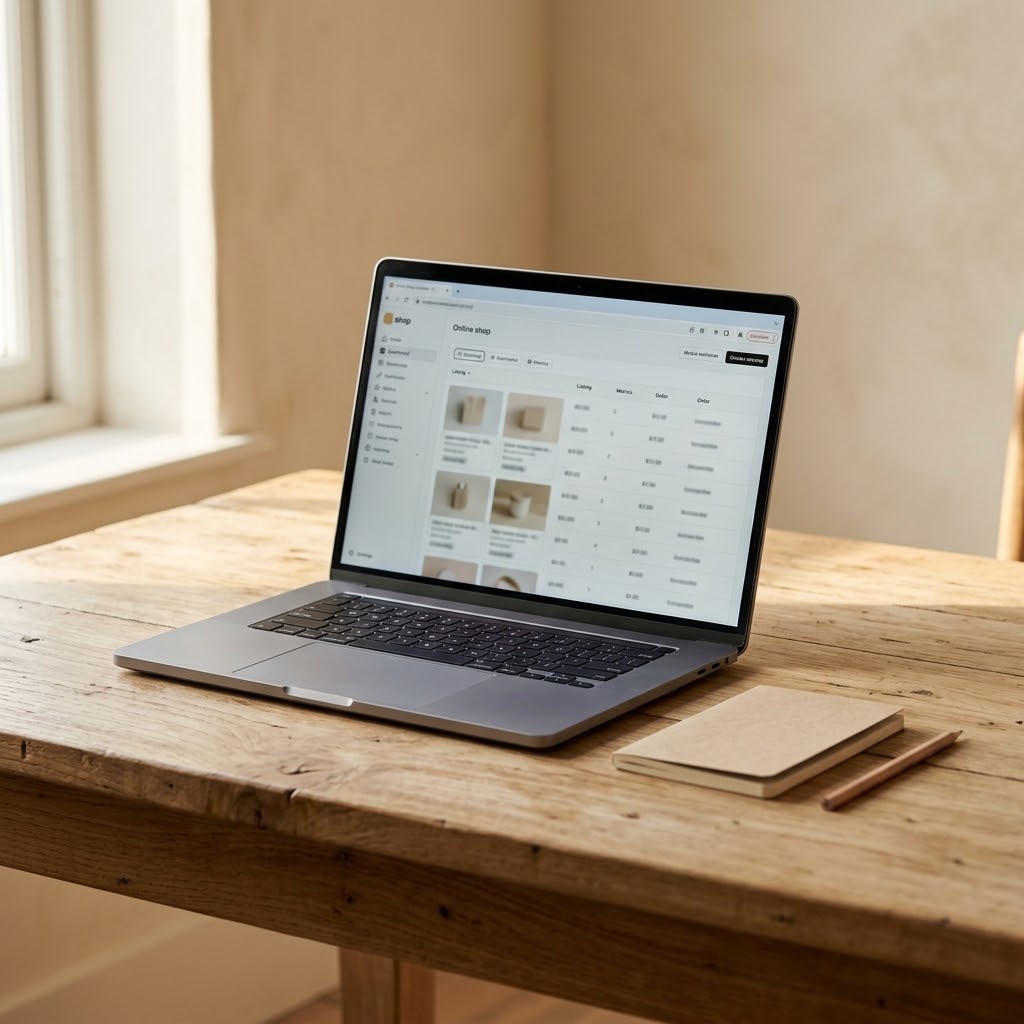
Supplies Needed: Laptop Computer with Full Keyboard, Etsy Shop Manager, small business notebook.
- Open Etsy Shop Manager on the laptop computer with a full keyboard.
- Create shop sections, delivery profiles, payment details, and listing drafts.
- Write key decisions and unfinished tasks in the small business notebook.
- Review statistics weekly and revise one listing group at a time.
Etsy Shop Manager is the operational center for a new shop. Use it to build drafts before publishing, check listing fields on a wider screen, and maintain delivery profiles that match what you can reliably produce and dispatch.
Review shop statistics as directional evidence rather than proof that a product will sell. For example, impressions and visits can show whether a listing is being found, while weak conversion may point toward image clarity, product fit, price structure, or shopper confidence. The official Etsy Seller Handbook is the appropriate reference for current platform features and policies.
3. Best Etsy Tools for Beginners: eRank Research
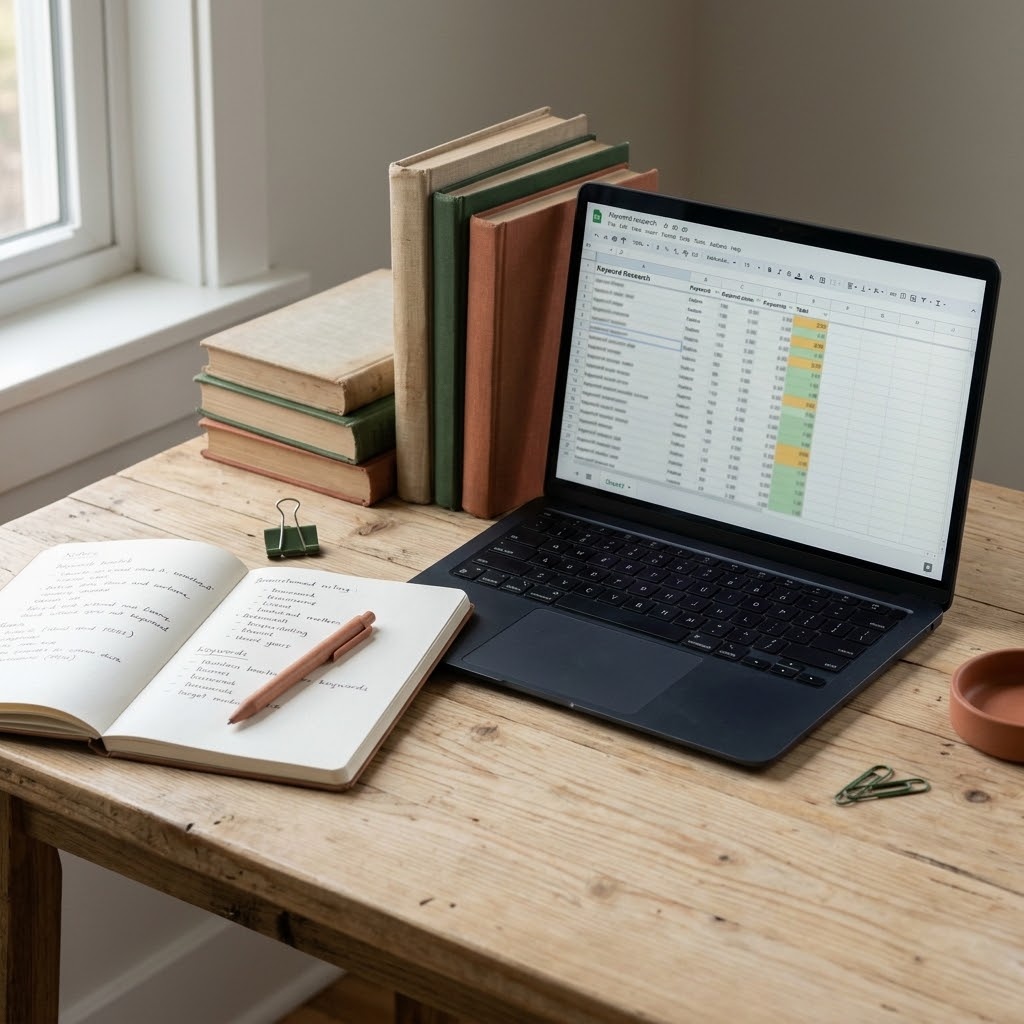
Supplies Needed: Laptop Computer with Full Keyboard, eRank Keyword Research Tool, keyword research notebook.
- Open the eRank Keyword Research Tool on the laptop computer with a full keyboard.
- Enter one seed phrase that truthfully describes the product.
- Record relevant long-tail phrases in the keyword research notebook.
- Check the same phrases in Etsy search and note the visible listing language.
- Choose terms that match the item, buyer intent, and listing images.
eRank can help a seller collect words buyers may use when looking for a specific type of product. Begin with the real item, material, occasion, recipient, or format. Then record only phrases that remain accurate after you inspect the actual search results.
The best Etsy tools for beginners should make decisions clearer, so use eRank as a research aid rather than a title generator. A broad term with apparent demand is unhelpful if it brings the wrong shopper to a handmade product. For a controlled test, read our eRank vs Marmalead comparison and follow this guide to finding profitable Etsy keywords.
4. Marmalead as an eRank Alternative
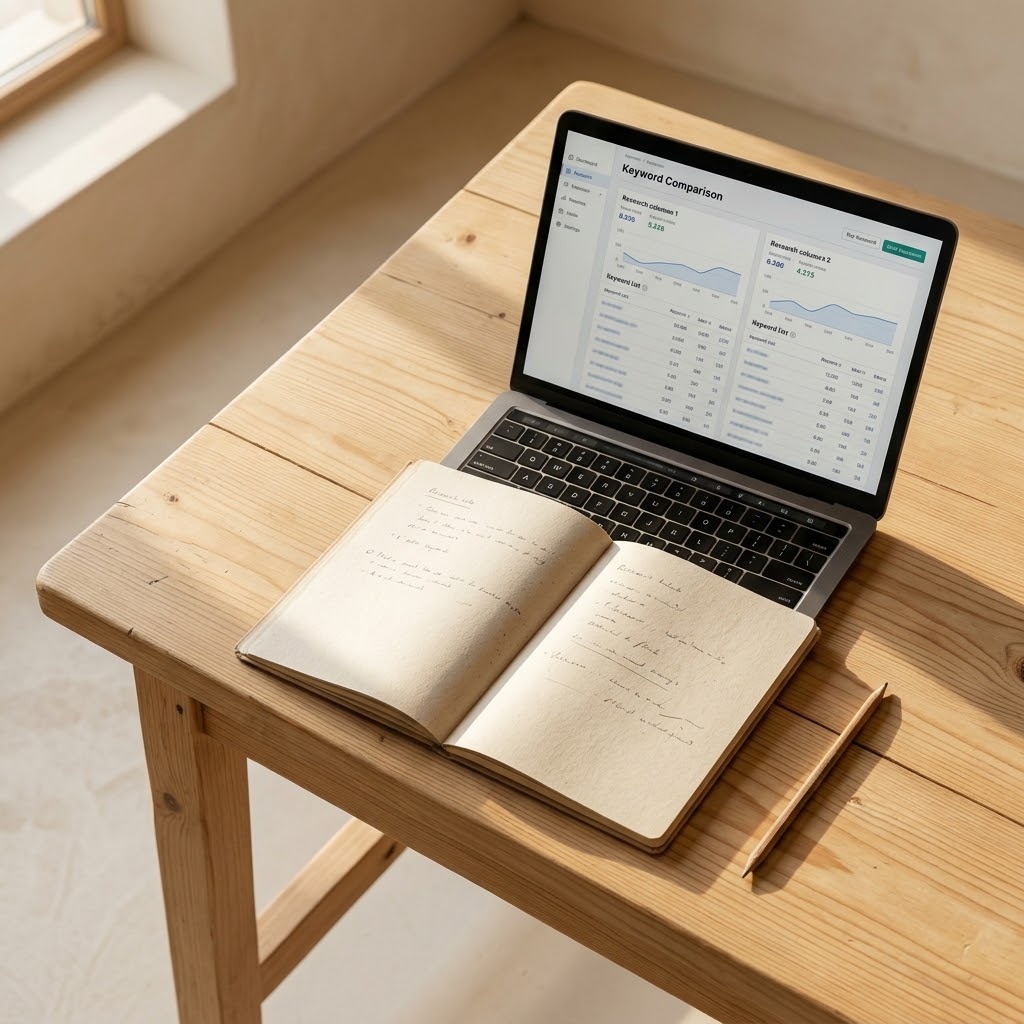
Supplies Needed: Laptop Computer with Full Keyboard, Marmalead Keyword Research Tool, marketing research notebook.
- Open the Marmalead Keyword Research Tool on the laptop computer with a full keyboard.
- Test the same seed keywords recorded during your eRank research.
- Write relevant suggestions and observations in the marketing research notebook.
- Use Etsy search to verify product relevance, then keep one research workflow for a defined test period.
Marmalead is a reasonable alternative for sellers who prefer its interface or research presentation. However, keyword scores and suggestions are not sales predictions. Compare each recommendation with the exact product, the shopper’s likely intent, and the listings already visible in Etsy search.
Use Marmalead for one focused test period, such as a complete cycle of drafting, publishing, and reviewing a small listing group. Then decide whether it improved a real decision. Keeping both Marmalead and eRank without a documented reason often creates duplicate notes instead of better research.
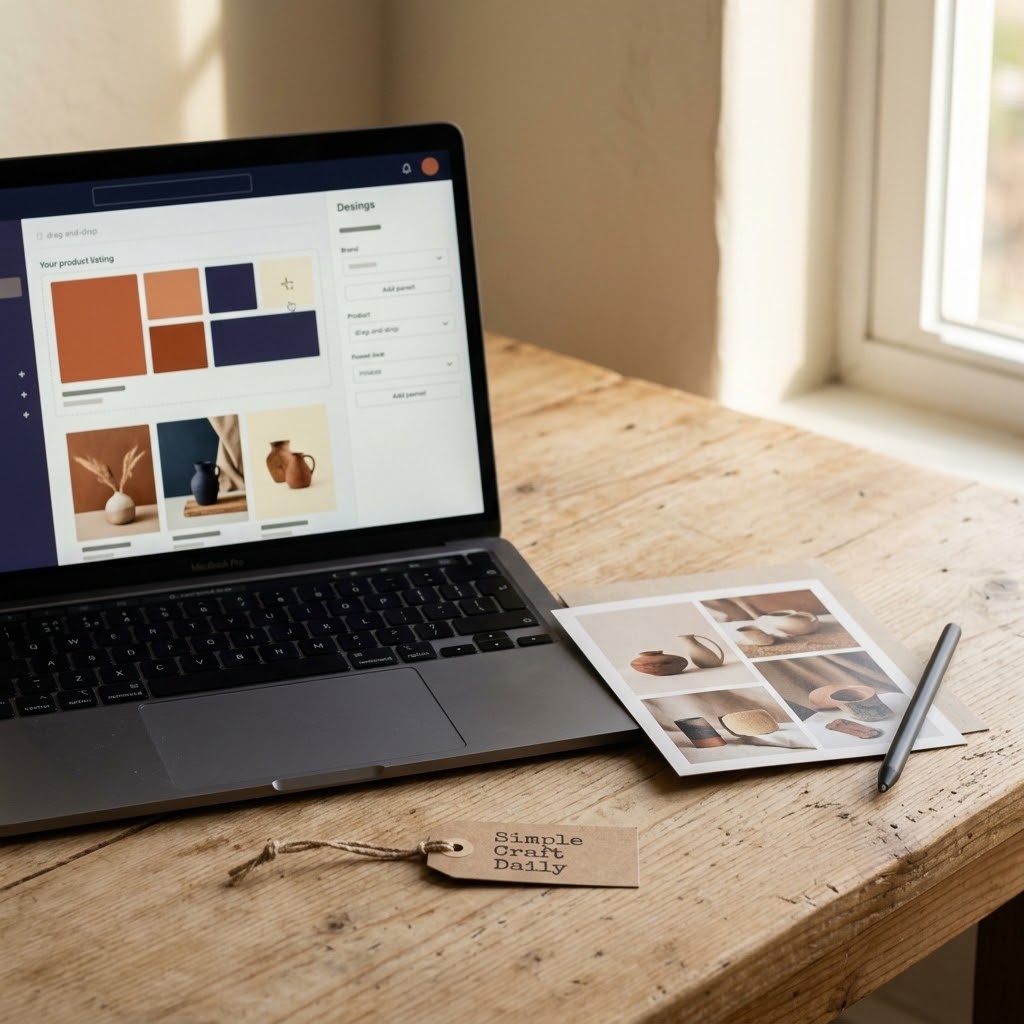
5. Best Etsy Tools for Beginners: Canva Images
Supplies Needed: Smartphone Camera, Laptop Computer with Full Keyboard, Canva Design Platform, Plain Photo Backdrop or Bright Window.
- Place the physical item on the plain photo backdrop or near a bright window with indirect light; for evening work, aim a daylight-toned desk lamp across the backdrop so the light stays even, then photograph it with the smartphone camera.
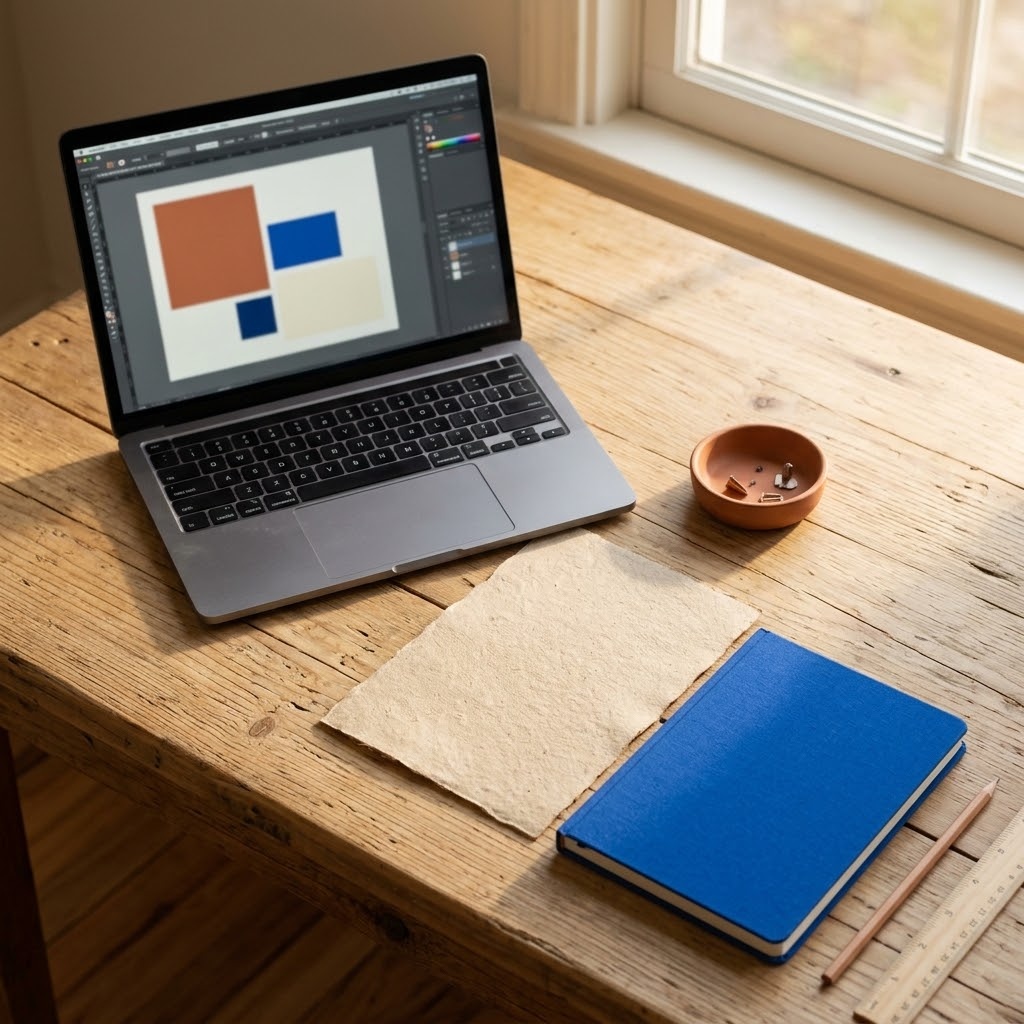
- Open the Canva Design Platform on the laptop computer with a full keyboard.
- Build one reusable listing-image template with consistent dimensions.
- Add an accurate product image or preview, then place readable callouts in open space.
- Export the images, inspect them on a phone screen, and upload them in listing order.
Canva helps a new seller create a consistent visual system without filling every image with decorative text. Lead with a clear product photograph or accurate digital preview. Then use a small amount of readable text to explain dimensions, included files, materials, or personalization options.
For physical goods, a plain backdrop or bright window for listing photos keeps color and edges easier to read. For digital goods, use previews that reflect the actual files rather than oversized or misleading mockups. The Canva platform works well alongside our practical Canva Etsy workflow for digital-product listings.
6. EverBee for Product and Niche Research
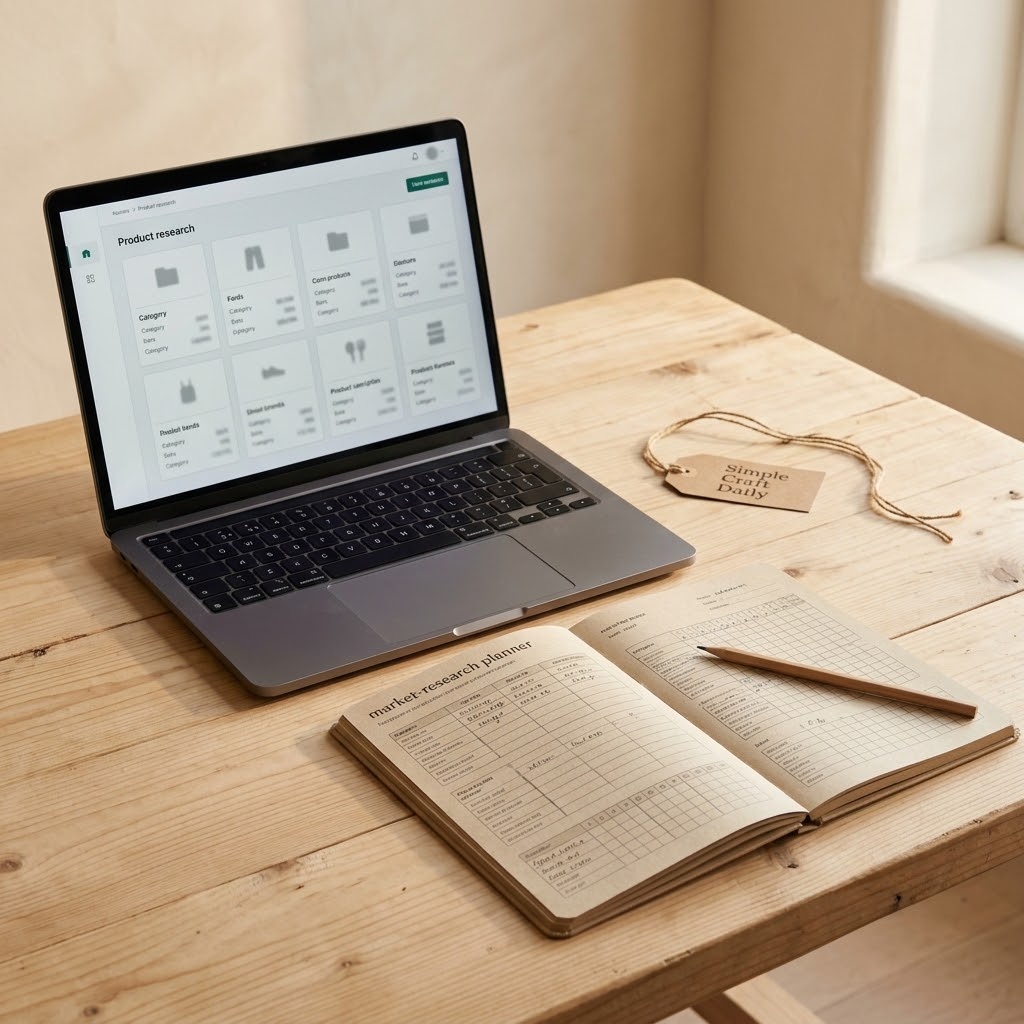
Supplies Needed: Laptop Computer with Full Keyboard, EverBee Product Research Tool, market research planner.
- Open the EverBee Product Research Tool on the laptop computer with a full keyboard.
- Observe repeated buyer needs and visible listing patterns within one niche.
- Record evidence and unanswered questions in the market research planner.
- Verify the idea through Etsy search, production calculations, and an original product angle.
EverBee can help organize early niche research, particularly when you need a clearer view of recurring product formats or buyer problems. Use the tool to observe patterns, then write down what you can make well, fulfill reliably, and describe honestly.
Do not copy product designs, listing photographs, descriptions, or brand language from another seller. Instead, identify a genuine buyer need and create an original response through your own materials, format, skill, or customer experience. The best Etsy tools for beginners should support original work and practical capacity planning.
7. Alura for Beginner Product Validation
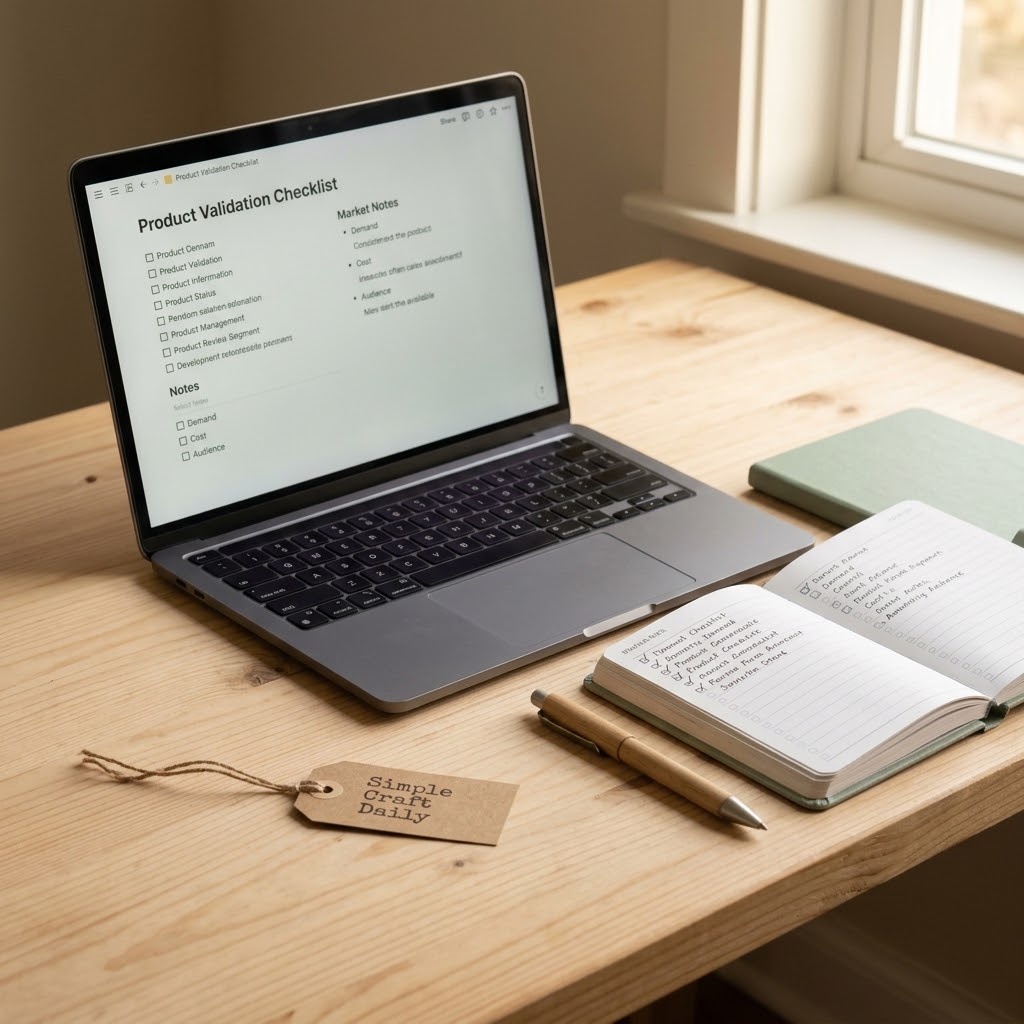
Supplies Needed: Laptop Computer with Full Keyboard, Alura Etsy Research Tool, Etsy business planner.
- Choose one product idea and one buyer problem to investigate.
- Open the Alura Etsy Research Tool on the laptop computer with a full keyboard.
- Record relevant listing patterns in the Etsy business planner without duplicating competitor work.
- Decide whether the findings change a real launch decision, then retain or remove the tool.
Alura may suit a beginner who wants another structured way to investigate listing ideas and organize launch tasks. Give it a defined job before testing it. For example, use it to examine whether your proposed product solves a visible buyer problem and whether you can make it within a realistic processing window.
After the test, ask whether the research changed your title, product format, production plan, or launch choice. If the answer is no, another paid platform may be unnecessary at this stage. A lean set of best Etsy tools for beginners leaves room to learn from actual shop activity.
8. Best Etsy Tools for Beginners: Google Sheets
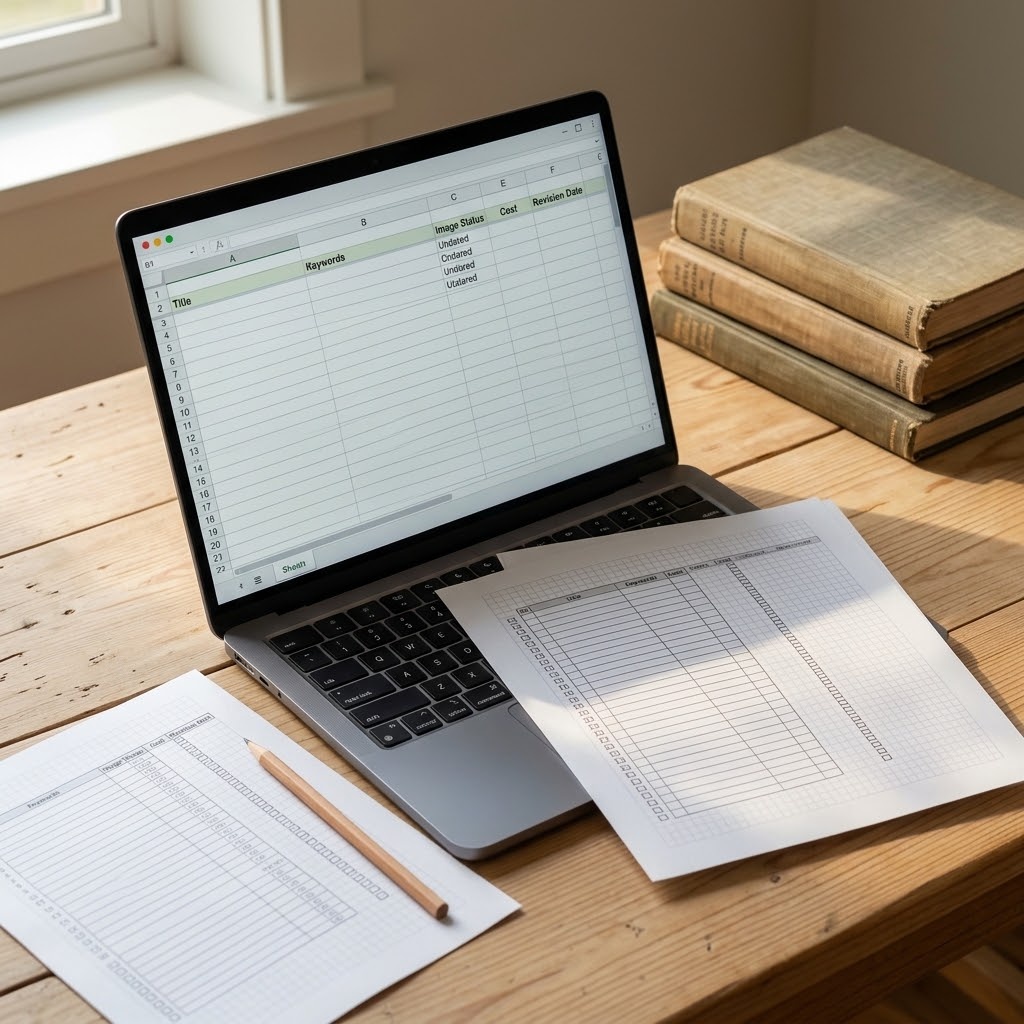
Supplies Needed: Google Sheets Listing Tracker, Laptop Computer with Full Keyboard, listing inventory sheets.
- Open the Google Sheets Listing Tracker on the laptop computer with a full keyboard.
- Create columns for product, title, main keyword, tags, image status, cost, stock, and edit date.
- Add a status field for draft, live, revising, and retired listings.
- Transfer essential weekly notes to the listing inventory sheets if you prefer a desk-side record.
- Review one measurable listing group each week and change one variable at a time.
Google Sheets is one of the most useful free Etsy tools because it gathers scattered listing details in one place. Both physical and digital shops can track titles, photo status, revision dates, and keyword themes without adding another subscription.
Use the status field to separate unfinished drafts from live listings that need review. Next, choose a small group of related listings and make measured revisions. Avoid changing titles, tags, photos, descriptions, and pricing all at once; otherwise, the results are too muddy to interpret.
9. Printify for Print-on-Demand Sellers
Supplies Needed: Laptop Computer with Full Keyboard, Printify Account, Canva Design Platform, Google Sheets Listing Tracker.
- Choose one product that fits the shop niche and quality standard.
- Create the design in the Canva Design Platform on the laptop computer with a full keyboard.
- Connect the Printify Account and inspect samples where feasible before scaling.
- Record costs, processing expectations, and listing details in the Google Sheets Listing Tracker.
- Publish accurate production-partner details, mockups, and customer expectations.
Printify can support a print-on-demand workflow, but it does not remove the seller’s responsibility for quality checks and truthful listing details. Choose products that fit your niche, review print areas carefully, and inspect a sample when feasible before you build a broad collection around one provider.
List the production partner accurately, set processing expectations that reflect the production workflow, and review shipping information before publishing. Use Canva for clean art files and Google Sheets for documenting the decision. Our guide to starting print on demand on Etsy explains the process in more detail.
10. Best Etsy Tools for Beginners: Pirate Ship
Supplies Needed: Laptop Computer with Full Keyboard, Pirate Ship Account, digital parcel scale, shipping label printer.
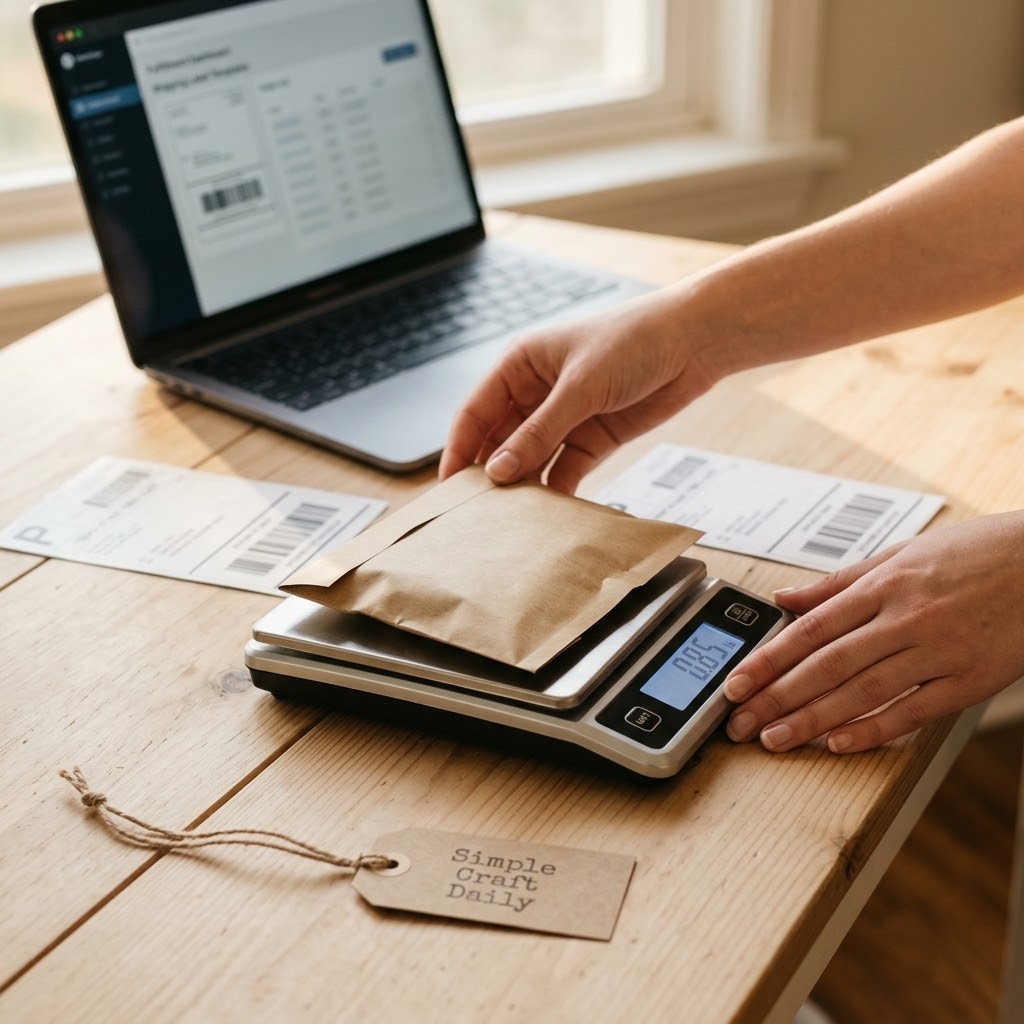
- Pack the finished order completely before weighing it on the digital parcel scale and noting its packed dimensions.
- Open the Pirate Ship Account on the laptop computer with a full keyboard.
- Weigh the packed parcel on your parcel scale, then compare available carrier services in Pirate Ship using that weight, the packed dimensions, and the delivery needs.
- Purchase the label, print it with the shipping label printer, and attach it flat to the parcel.
- Update order tracking and record the shipment in your listing tracker.
Pirate Ship can be useful for eligible physical-product sellers who need a separate shipping workflow. First, verify current availability, carrier choices, Etsy integration conditions, and service terms before you build your dispatch routine around any fulfillment platform.
Measure and weigh the parcel after all protective packaging is inside. Then compare services based on the buyer’s delivery needs and the actual parcel dimensions. Keep a shipment record so you can answer customer questions accurately and spot recurring packaging or dispatch issues.
How to Choose Best Etsy Tools for Beginners
Begin with Etsy Seller App, Etsy Shop Manager, Canva, and Google Sheets. This group covers daily communication, detailed shop operations, visual assets, and recordkeeping without overlapping heavily.
- Write down the task that takes too long or produces repeated mistakes.
- Choose one tool that directly addresses that task.
- Test it for one listing cycle or one defined work period.
- Record time saved, decisions improved, and unresolved problems.
- Audit the tool monthly and keep, replace, or remove it.
Next, test either eRank or Marmalead for focused keyword research, rather than subscribing to both immediately. Add EverBee, Alura, Printify, or Pirate Ship only when product research, production coordination, or fulfillment becomes repetitive enough to justify a separate system.
FAQ: Best Etsy Tools for Beginners
Do Best Etsy Tools for Beginners Need Paid Plans?
No. New sellers can begin with Etsy Shop Manager, Etsy Seller App, Canva’s accessible tier, and a spreadsheet tracker. Paid tools should solve a specific workflow problem that you have already observed.
Track the time a tool saves and the decisions it improves. For example, a research platform may be useful if it helps you document more relevant buyer phrases than manual searching alone. It is unnecessary if it only produces more ideas without changing how you write, photograph, or launch listings.
Which Etsy Keyword Tool Should I Try First?
Test one keyword platform at a time using the same product terms. eRank is a sensible first trial because it can help organize buyer-language research alongside direct Etsy search observations.
Prioritize relevance and search intent over an appealing score. Record the seed phrase, suggested terms, visible Etsy results, and the terms you actually use. Then compare that documented test with the eRank vs Marmalead comparison before switching platforms.
Are Best Etsy Tools for Beginners Available Free?
Yes. Free tools are enough to launch listings, learn basic shop operations, create simple visual assets, and track early revisions. Etsy Shop Manager, Etsy Seller App, Google Sheets, and Canva make a capable lean starting set.
Upgrade when repeated manual work becomes too slow or when a focused research question remains unanswered after careful Etsy search and tracking. The best Etsy tools for beginners should reduce friction without hiding the information you need to learn from.
What Are the Best Etsy Tools for Print on Demand?
Print-on-demand sellers need a design platform, an order workflow, a production partner, an Etsy operational dashboard, and an honest tracker. Canva, Printify, Etsy Shop Manager, and Google Sheets cover those functions in a straightforward system.
Mockups help buyers picture a design, yet they do not replace product-quality checks. Inspect samples where feasible, confirm production-partner disclosures, and write listing details that accurately explain what the customer receives and how long fulfillment may take.
Quick Reference: Best Etsy Tools for Beginners
For your convenience, here is a quick summary of the materials and tools featured in this post:
🧰 Core Etsy Seller Tools
- Etsy Seller App
- Etsy Shop Manager
- eRank Keyword Research Tool
- Marmalead Keyword Research Tool
- Canva Design Platform
- EverBee Product Research Tool
- Alura Etsy Research Tool
- Google Sheets Listing Tracker
- Pirate Ship Account
- Printify Account — Production partner account used in the print-on-demand listing test
📷 Product Planning and Desk Setup
- Laptop Computer with Full Keyboard | [Check Price on Amazon]
- Adjustable Laptop Stand | [View Laptop Stand on Amazon]
- Daylight Desk Lamp | [View Daylight Desk Lamp on Amazon]
- Smartphone Camera
- Plain Backdrop or Bright Window for Listing Photos
- For Physical-Product Sellers: Digital Parcel Scale
- For Physical-Product Sellers: Shipping Label Printer
Important Crafting Safety Notes
Running a seller workstation is primarily screen-based, yet a clean desk and safe routine still protect you, your equipment, and your household. Review these precautions before long research sessions, listing work, photography planning, or opening supply parcels.
• Personal Protective Equipment (PPE) & Safe Handling: Set the laptop on a stable surface, raise it with a laptop stand when possible, and position the screen near eye level before a long listing or research session. Rest your shoulders, keep both feet supported, and take a 20-second eye break every 20 minutes by looking across the room. When opening supply parcels, use scissors on a stable surface and cut away from your hands.
• Room Ventilation & Fume Safety: Use ordinary room airflow and step away from the screen if heat, glare, or stale air makes focused work uncomfortable. During product photography near a window, keep cords and equipment clear of the window area and avoid working in direct glare. Keep drinks away from laptops, monitors, power strips, label printers, and charging cables to prevent spills and electrical damage.
• Child & Pet Safety (Choking & Swallowing Prevention): Packaging scraps, loose labels, parcel ties, small sample products, and detached hardware can create choking or ingestion hazards. Keep shipping supplies, sample items, chargers, and spare cables out of reach of children and pets. Store unopened parcels and small business materials in a closed cabinet or a designated high shelf until you need them.
• Sharp Tool Storage & Clean Work Area: Store scissors used for opening parcels in a secure drawer or latching case immediately after use. Route laptop cords, monitor cables, chargers, and extension leads away from walking paths so they do not become trip hazards. Clear paper scraps, shipping tape, and unused packaging from your desk at the end of each session, and check the floor for dropped parcel ties or labels.
• Certified, Quality & Non-Toxic Supplies: Choose dependable chargers, surge-protected power strips, and equipment that meets applicable electrical safety standards. Follow manufacturer guidance for laptops, monitors, printers, desk lamps, and mobile devices, including cooling, charging, and battery-care instructions. Lift supply boxes close to your body, bend your knees for heavier parcels, and divide large deliveries into smaller loads when possible. Keep printer paper, labels, cables, and parcel supplies dry and away from food and drinks. Digital tools do not replace legal, tax, intellectual-property, platform-policy, product-safety, or accessibility advice.
For more detailed guidance on safe practices, liability disclosures, and website usage, please review our Terms and Conditions.
“Which Etsy tool will you test first, or what seller workflow do you use to keep your shop moving? Drop a comment below—I’d love to hear what works for you!”