

Random uploads make a messy Etsy shop. Print on demand for Etsy works best when each listing begins with an original design direction, a defined buyer, and a clear production plan rather than a pile of unrelated mockups.
Etsy permits production partners when you contribute the original design and disclose the partner accurately. First, compare workflows in our Printify vs Printful comparison, then build a small collection you can inspect, describe, and improve with confidence.
Affiliate Disclosure: This post contains affiliate links. As an Amazon Associate, I earn from qualifying purchases. If you buy through these links, I may earn a commission at no additional cost to you.
Key Facts:
- Total planning time: Often around 6 to 10 focused hours for a first collection; beginners learning design tools, Etsy setup, and supplier dashboards usually need longer.
- Difficulty: Beginner to intermediate.
- Launch yield: 3 to 5 coordinated listings.
- Core workflow: Research, design, supplier connection, listing optimization, and sample review.
Required Setup and Optional Workspace Upgrades for Print on Demand for Etsy
Print on demand for Etsy requires three practical foundations: a computer with reliable internet access, an Etsy seller account, and a print-on-demand production partner account. The notebook, pens, drawing tablet, backup drive, monitor, calibration device, desk organizer, lamp, and chair below are optional workspace upgrades that can make planning, design, sample inspection, and file storage more comfortable.
| Supply | Spec / Size | Used For |
|---|---|---|
| Planning notebook | Hardcover, ruled or dot-grid | Optional niche notes and launch checklist |
| Etsy seller account | Active shop account | Required for creating and publishing listings |
| Print-on-demand production partner account | Connected supplier account | Required for product setup, fulfillment, and sample orders |
| Laptop computer | Reliable internet access | Required for research, design, listings, and supplier dashboards |
| Pen display tablet | Pressure-sensitive stylus | Optional original illustration and detail cleanup |
| External solid-state drive | Portable external storage | Optional source-file and export backup |
| Color calibration device | Monitor calibration sensor | Optional screen color consistency; physical samples confirm final color |
| External monitor | Color-accurate display | Optional mockup and listing review |
🗒 Required Accounts and Optional Planning Supplies
- Hardcover Product Planning Notebook — Optional working record for niche notes, supplier comparisons, launch dates, and product decisions | [Check Price on Amazon]
- Archival Black Fineliner Pens — Optional pens for clean, permanent sketches and priority marks that remain readable during long launch planning | [See Price on Amazon]
- Etsy Seller Account — Required shop dashboard where you create listings, disclose production partners, and publish your collection.
- Print-on-Demand Production Partner Account — Required supplier dashboard for product setup, fulfillment settings, and sample orders.
💻 Required Digital Setup and Optional Drawing Tool
- Laptop Computer with Reliable Internet Access — Required for Etsy research, design software, transparent PNG exports, and production-partner dashboards | [View Laptop Computer on Amazon]
- Pen Display Drawing Tablet — Optional workspace tool that gives hand-drawn lettering, illustration, and edge cleanup more control than a mouse alone | [Find Pen Display Drawing Tablet on Amazon]
🧰 Optional Backup and Color-Control Upgrades
- External Solid-State Drive — Optional separate backup location for layered source files, mockups, templates, and exported production files | [Check External Solid-State Drive on Amazon]
- Color Calibration Device — Optional tool that improves screen consistency during artwork review; approve final color and print quality from the physical production sample | [See Color Calibration Device on Amazon]
- Etsy Seller Desk Starter Kit — Optional desk organizer for planning pages, cables, sample notes, and reference sheets at a dedicated work area | [View Etsy Seller Desk Starter Kit on Amazon]
✨ Optional Studio Upgrades
- Color-Accurate External Monitor — Optional larger screen for close artwork review, mockup editing, and listing checks | [Check Color-Accurate External Monitor on Amazon]
- Daylight LED Magnifying Desk Lamp — Optional magnification paired with even task lighting for close sample inspection; ordinary neutral, even lighting is sufficient for beginner checks | [Find Daylight LED Magnifying Desk Lamp on Amazon]
- Ergonomic Adjustable Office Chair — Optional workspace upgrade that supports steady posture through research, design, upload, and customer-service sessions | [Check Price on Amazon]
How to Start Print on Demand for Etsy: 10 Steps
This print on demand for Etsy workflow moves from audience research to a small, reviewable launch. Each milestone has its own practical task, so you can make decisions in order instead of trying to design, connect, publish, and promote everything at once.
- Research one clear buyer and product niche with the planning notebook, fineliner pens, Etsy seller account, and laptop.
- Create original print files on the laptop and optional pen display drawing tablet, then back up each source file to the external solid-state drive if you use one.
- Connect one production partner account, optionally calibrate an external monitor, and check product details before drafting listings.
- Disclose the production partner, order a representative sample, and inspect it in even neutral lighting; use magnification only if you need a closer look.
- Publish 3 to 5 coordinated listings, review buyer behavior weekly, and save every revision to the external solid-state drive or another secure backup location.
1. Define a Buyer for Print on Demand for Etsy
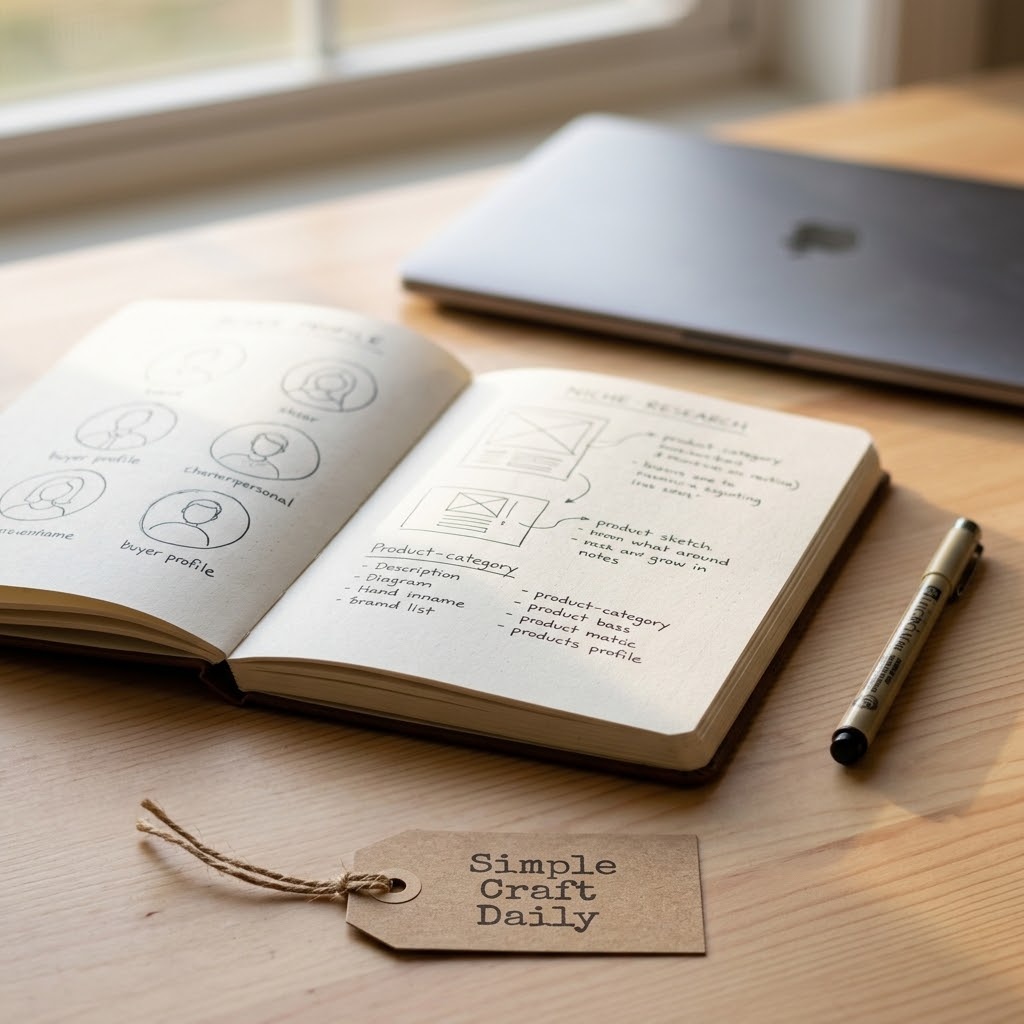
Supplies Needed: Hardcover Product Planning Notebook, Archival Black Fineliner Pens, Laptop Computer with Reliable Internet Access, Etsy Seller Account.
- List 10 interests, occasions, or communities in the hardcover notebook.
- Use the laptop to inspect Etsy result patterns for three seed ideas.
- Write 10 search observations with archival black fineliner pens.
- Identify one buyer problem or gift occasion.
- Select one product family for the first collection in your Etsy seller account plan.
Give the collection a clear boundary. For example, choose one recipient, one occasion, one visual mood, and one product category such as embroidered-style pet shirts or minimalist teacher mugs.
Next, record what you see instead of copying it. Your notebook should hold 10 observations about product formats, buyer language, color patterns, and gaps in clarity; use the fineliner pens to circle ideas worth testing. The laptop is for research, while the notebook preserves your own direction when search results begin to blur together.
2. Research Print on Demand for Etsy Search Terms
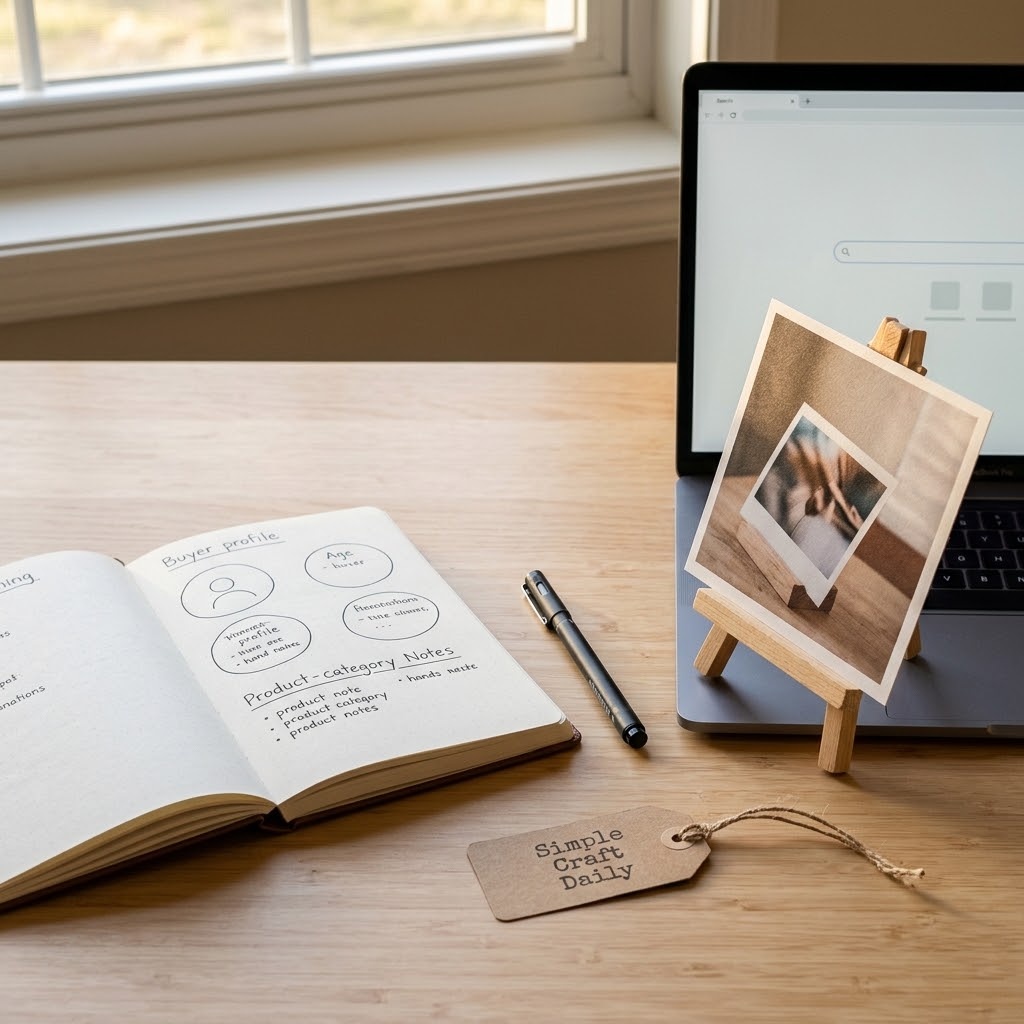
Supplies Needed: Hardcover Product Planning Notebook, Laptop Computer with Reliable Internet Access.
- Enter one seed phrase into Etsy search on the laptop.
- Write autocomplete phrases in the hardcover notebook.
- Compare title patterns across relevant listings.
- Read buyer reviews for repeated needs and questions.
- Group useful terms by gift, style, recipient, or product intent.
Buyer-language research gives Etsy print on demand listings useful wording without borrowing another seller’s artwork, slogans, or protected text. First, search a broad seed phrase, then note the qualifying words buyers add when they know what they need.
Read reviews for practical detail, such as concerns about fit, gift timing, color, personalization, or print placement. Then group your notes into title phrases, tags, and description language. Our guide to finding profitable Etsy keywords can help you turn those observations into a focused research sheet.
3. Choose Products With Realistic Margins
Supplies Needed: Hardcover Product Planning Notebook, Laptop Computer with Reliable Internet Access, Print-on-Demand Production Partner Account.
- Shortlist products in the production partner dashboard on the laptop.
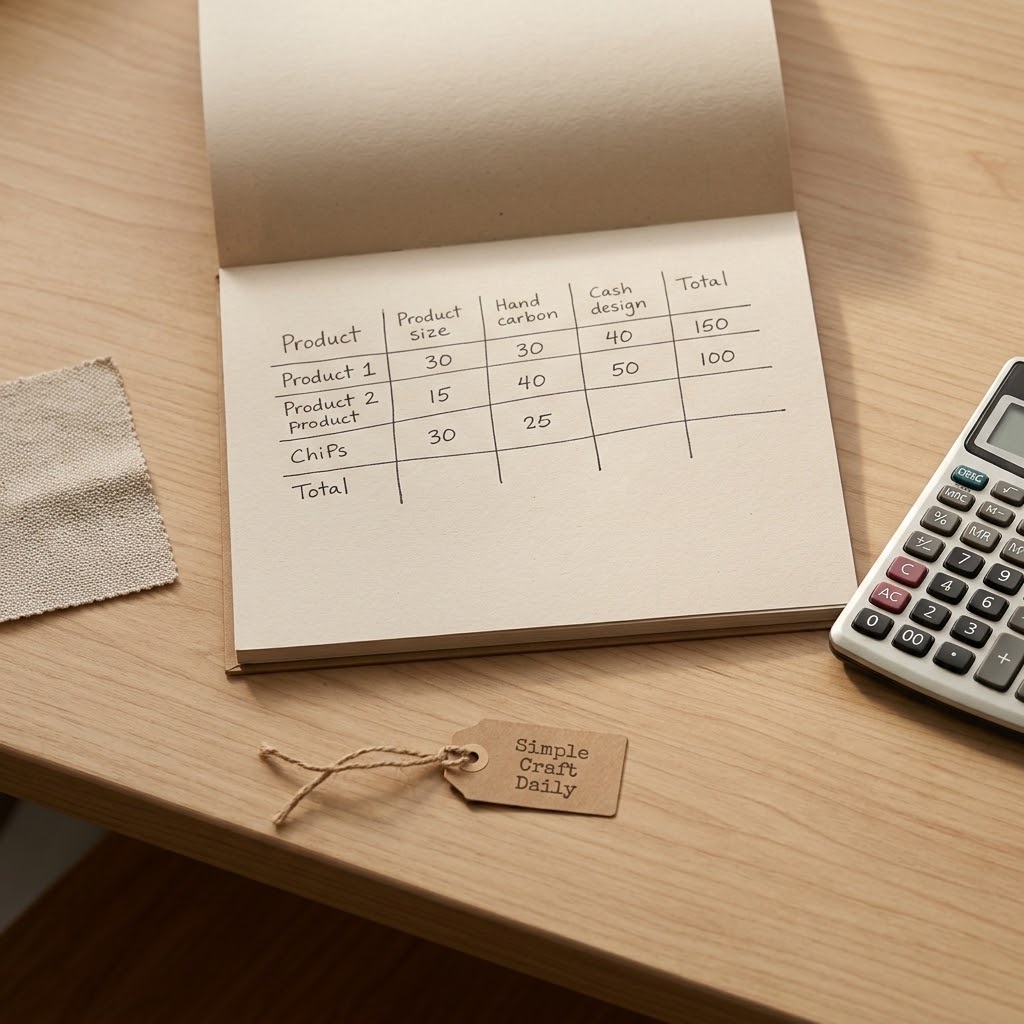
- Record base cost, shipping, and available production locations in the hardcover notebook.
- Estimate Etsy fees, discounts, and any personalization labor.
- Set a target margin for each product.
- Choose 3 to 5 coordinated launch products.
Choose products only after you understand the full fulfillment picture. A low base cost may still leave little room after shipping, marketplace fees, discounts, refunds, and the time needed to answer personalization questions.
Use the laptop and your production partner account to compare product specifications and production locations, then write each figure and policy note in the notebook. Shipping profiles, tax handling, and delivery estimates vary by shop location and production-partner settings. Therefore, treat your first collection as a manageable test rather than a promise to offer every color, size, or product type.
4. Create Original Print Files for Etsy
Supplies Needed: Laptop Computer with Reliable Internet Access, optional Pen Display Drawing Tablet, External Solid-State Drive.
- Confirm the supplier template dimensions on the laptop.
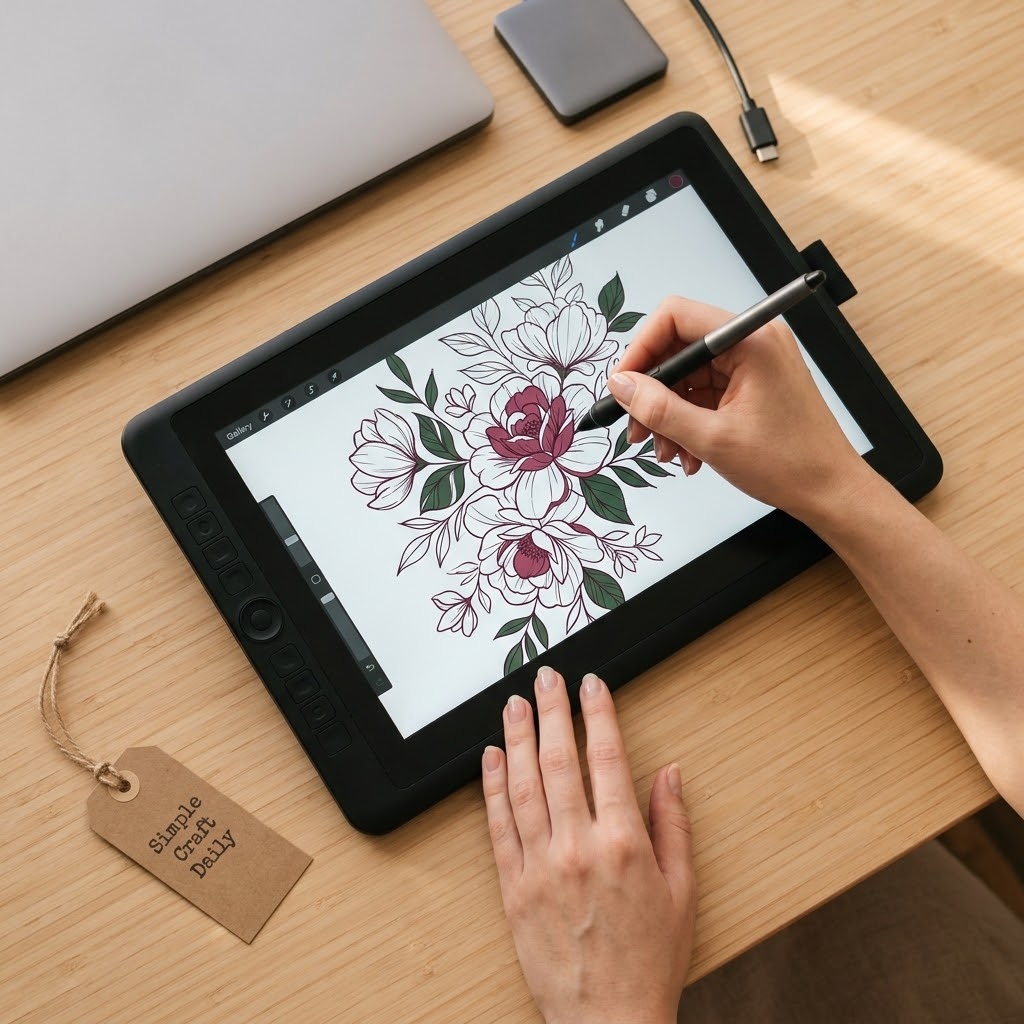
- Create original artwork with the optional pen display drawing tablet or a mouse and design software.
- Check edges, tiny details, and transparent areas at full size.
- Export the requested file type from the laptop.
- Copy the source file and export to the external solid-state drive.
Original files are the working core of print on demand for Etsy. Build artwork at the dimensions and resolution requested by the specific product template, then inspect thin lines, pale colors, and small lettering at actual print scale.
The pen display drawing tablet is optional, although it is useful for hand-drawn marks and precise edge cleanup. Subsequently, export the requested transparent PNG, PDF, SVG, or other file type only after checking the print-area guide. Keep editable source files and final exports on the external solid-state drive. For layout help, follow our Canva Etsy workflow.
Do not use copyrighted characters, logos, celebrity names, or graphics without a license that covers your intended commercial use. In addition, keep licenses, source records, and design notes with the archived file.
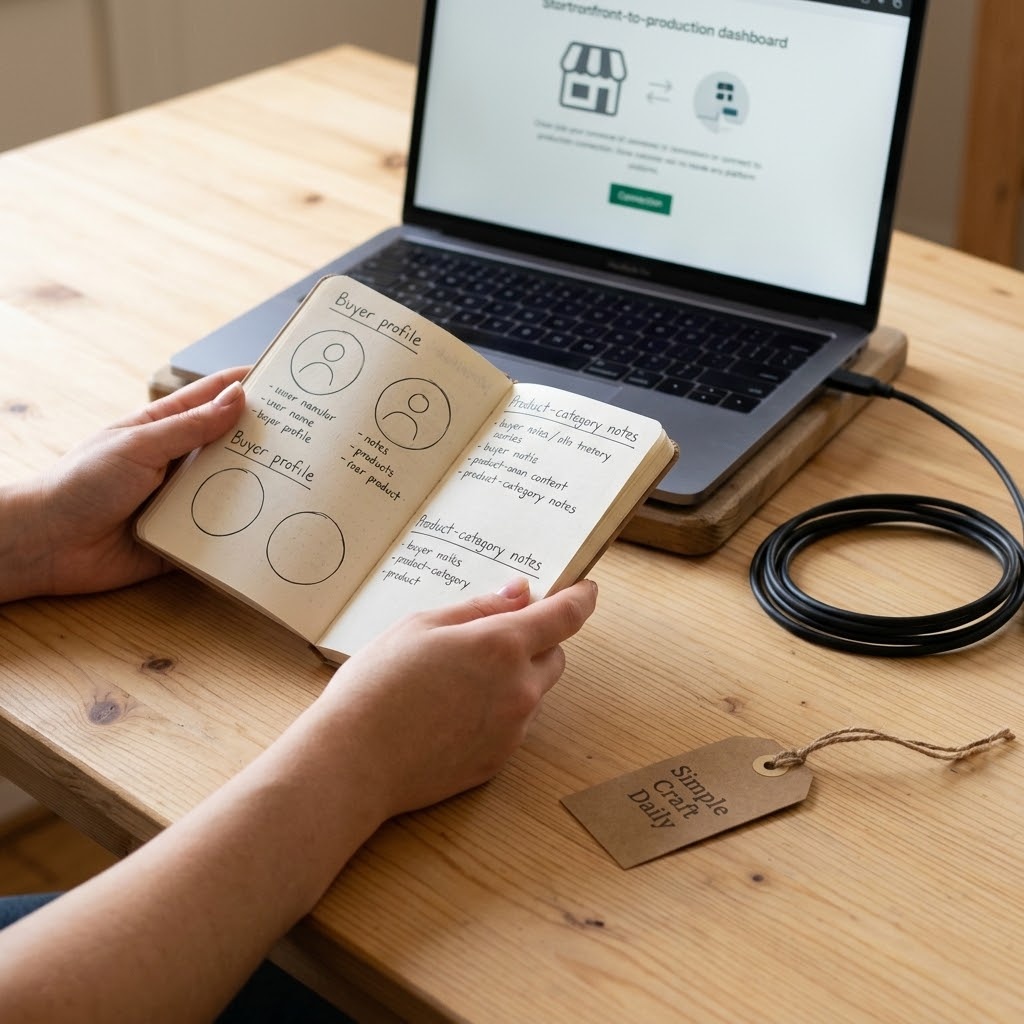
5. Connect a Print Partner to Your Etsy Shop
Supplies Needed: Laptop Computer with Reliable Internet Access, Hardcover Product Planning Notebook, Etsy Seller Account, Print-on-Demand Production Partner Account.
- Open the production partner account on the laptop.
- Connect the Etsy seller account through the provider’s authorized integration.
- Review every permission request before approving it.
- Record production settings in the hardcover notebook.
- Save one imported test product as a draft.
Connect one provider carefully before building a large catalog. Whether you test a Printful Etsy connection or another print partner, use the authorized integration and verify which product information transfers into the Etsy draft.
Next, check titles, variants, mockups, descriptions, pricing fields, and shipping-related settings after import. Record the provider, product blank, production location, and support notes in the notebook so you can trace each decision later. If you are still comparing services, revisit the Printify vs Printful comparison before committing to a wider range.
6. Configure Print on Demand for Etsy Product Details
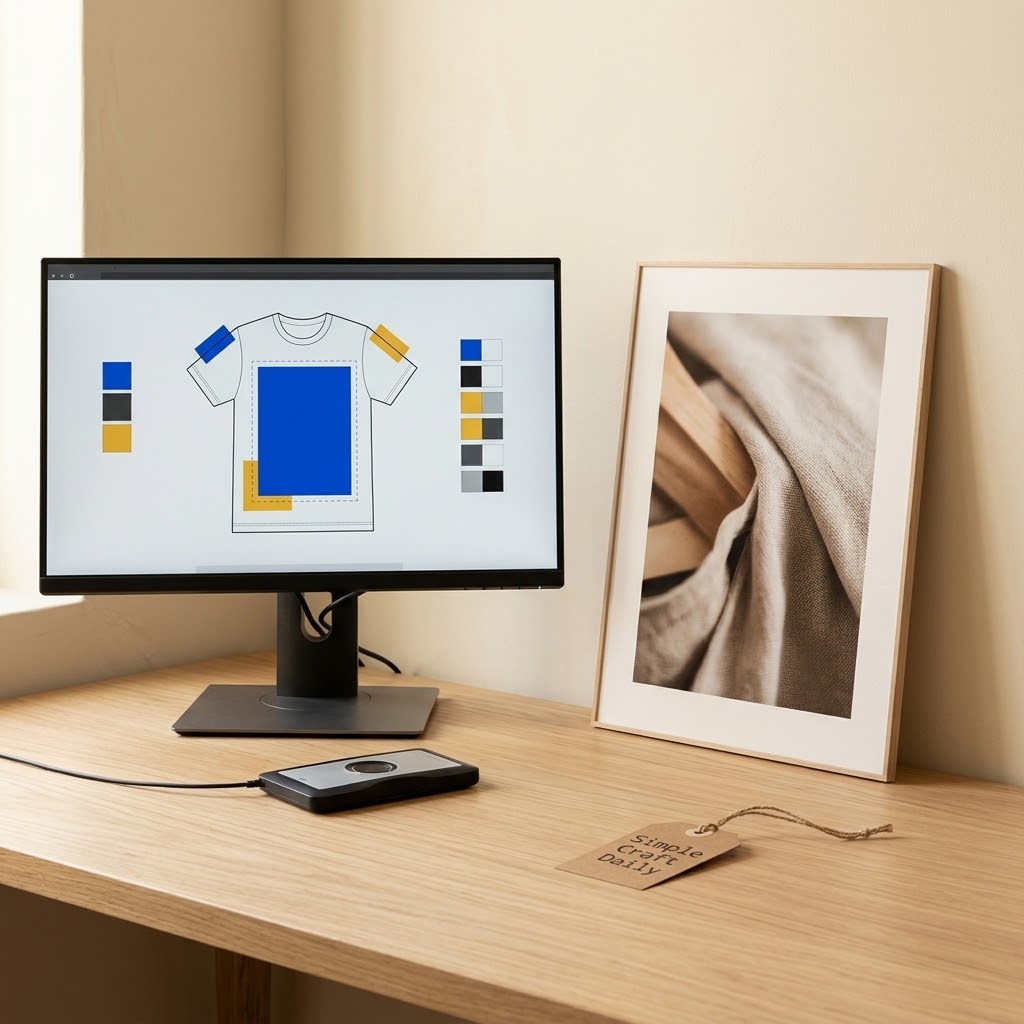
Supplies Needed: Laptop Computer with Reliable Internet Access, optional Color-Accurate External Monitor, optional Color Calibration Device, Print-on-Demand Production Partner Account.
- Optionally calibrate the color-accurate external monitor with the optional color calibration device.
- Select the blank product in the production partner account on the laptop.
- Choose only the colors and sizes you can describe accurately.
- Inspect the print-area guide and size chart.
- Save complete product specifications in the draft.
Product details must match the item a buyer receives. In print on demand for Etsy, that includes the blank product, available colors, sizes, print placement, care guidance, production location, and processing details supplied by your partner.
If you own a color calibration device, first use it to improve screen consistency, then review the artwork against each selected garment or substrate color on the external monitor. Both tools are optional and neither can validate the final physical print. Final color approval relies on the physical sample from your production partner. Use the laptop to inspect every variant and size-chart field. Supplier options can change; therefore, recheck the active product details immediately before publication and again when you update a listing.
7. Build Print on Demand for Etsy Listings Buyers Can Understand
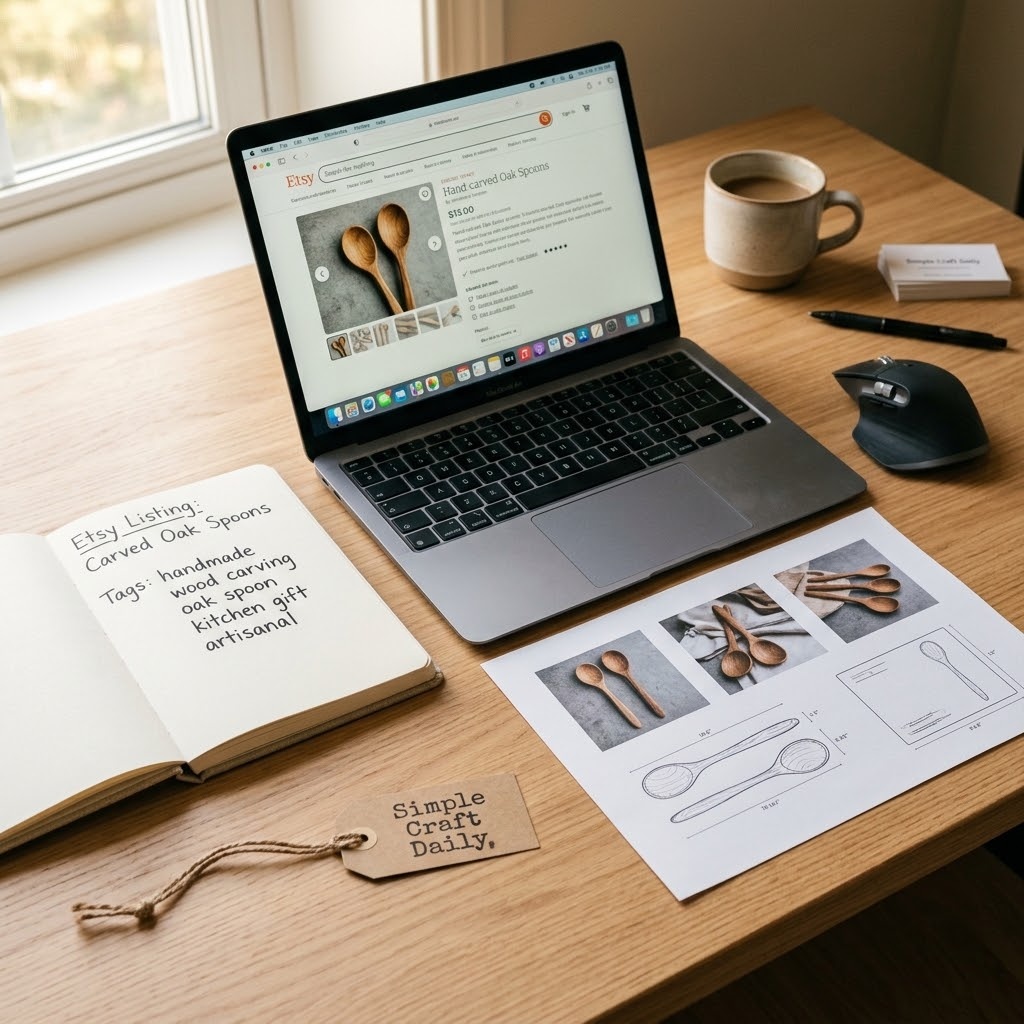
Supplies Needed: Laptop Computer with Reliable Internet Access, optional Color-Accurate External Monitor, Etsy Seller Account.
- Draft a buyer-led title in the Etsy seller account on the laptop.
- Review mockups on the optional color-accurate external monitor.
- Write dimensions, materials, and print-placement details.
- Add care, processing, and personalization instructions.
- Complete relevant tags and clear variation names.
A strong listing answers the questions buyers ask before they need to message you. If you are learning how to do print on demand on Etsy, begin with a readable first image, a specific title, accurate mockups, understandable variations, and a description that explains the physical item.
Use the laptop to write buyer-led copy, then inspect the listing image sequence on the external monitor if you use one. State measurements, materials, care requirements, print placement, and personalization limits plainly. Also, make variation names short enough to scan, and ensure every mockup reflects the colors and product options you actually offer.
For a broader software and workflow review, explore our best Etsy tools for shop growth.
8. Disclose Your Print on Demand for Etsy Production Partner
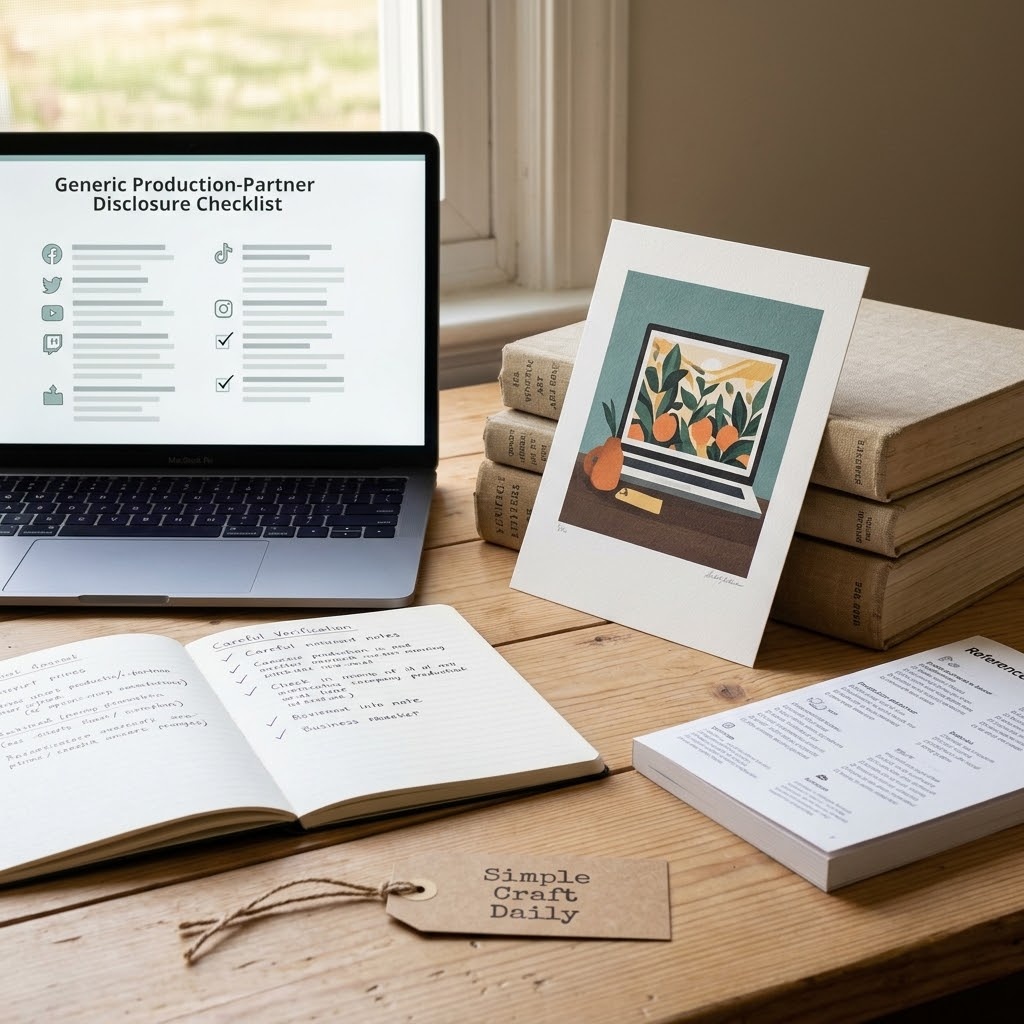
Supplies Needed: Laptop Computer with Reliable Internet Access, Hardcover Product Planning Notebook, Etsy Seller Account, Print-on-Demand Production Partner Account.
- Review current Etsy requirements on the laptop.
- Add the production partner to the Etsy seller account information.
- Describe the partner’s production role accurately.
- Record disclosure details in the hardcover notebook.
- Revisit disclosures whenever you change production partner accounts or providers.
Yes, Etsy allows print on demand when the seller’s original design contribution and production partner are represented accurately under current Etsy requirements. Your production partner prints or manufactures the physical item; your shop must still present your design role and partner relationship truthfully.
Review Etsy’s production partner guidance for sellers before publishing, because marketplace requirements can change. Then use the laptop to complete the shop disclosure and write the provider name, products, and stated role in the notebook. This article provides practical workflow guidance, not legal advice.
9. Order Samples for Print on Demand for Etsy
Supplies Needed: optional Daylight LED Magnifying Desk Lamp, optional Color Calibration Device, Hardcover Product Planning Notebook, Print-on-Demand Production Partner Account.
- Optionally use the color calibration device to review screen consistency before approving the artwork.
- Order one representative sample through the production partner account.
- Inspect print color, placement, and substrate in even neutral lighting.
- Use the daylight LED magnifying desk lamp only if you want a closer look at a suspected small flaw.
- Record corrections in the hardcover notebook and update the listing if needed.
Order at least one representative sample before sending substantial traffic to a new product. A calibrated screen can reduce preventable screen-to-screen color differences, yet it cannot show how ink settles into fabric, how a ceramic surface reflects light, or how a print feels in the hand. Final color and print-quality approval depends on the physical sample from your production partner.
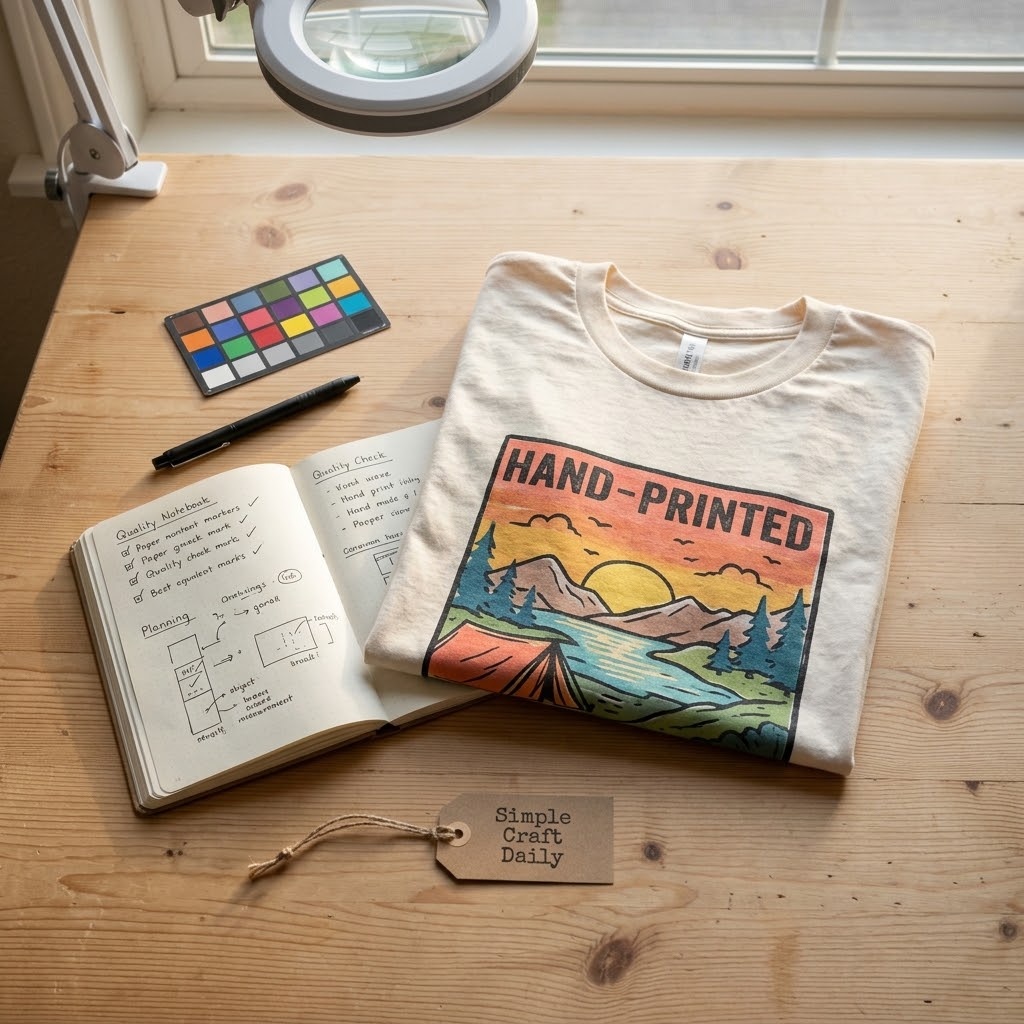
For print on demand for Etsy, inspect the sample in even, neutral lighting. Look for placement shifts, soft edges, unexpected color casts, rough substrate marks, and sizing differences from the mockup. A daylight LED magnifying desk lamp is optional for examining a tiny area more closely; magnification is not required for a beginner sample check. Then use the notebook to record what must change, and revise artwork, variants, images, or copy before expanding the range.
10. Publish, Measure, and Improve Your Etsy Shop
Supplies Needed: Laptop Computer with Reliable Internet Access, External Solid-State Drive, optional Ergonomic Adjustable Office Chair, Etsy Seller Account.
- Publish a small coordinated collection from the Etsy seller account on the laptop.
- Review visits, favorites, and conversion signals weekly.
- Record recurring buyer questions.
- Improve weak thumbnails, variation labels, or instructions.
- Back up revised files to the external solid-state drive while seated in the optional ergonomic adjustable office chair, if you use one.
Publish a small collection, then give yourself a regular review routine. Watch for patterns in favorites, visits, buyer messages, and listing behavior without treating any single week as a final verdict on the product.
Use the laptop to review your shop data and customer questions. Next, update unclear thumbnails, fit notes, color descriptions, or personalization instructions. Save each revised source file and final export to the external solid-state drive. An ergonomic adjustable office chair is optional, although it can support the repeated review sessions that keep your work sustainable.
Once your first product family is organized, selling Etsy printables can offer a related direction for expanding your shop with digital items.
Print on Demand for Etsy FAQ
Does Etsy Allow Print on Demand for Etsy?
Yes, Etsy allows print on demand when you provide an original design contribution and accurately disclose the production partner that makes the physical item. Review Etsy’s current seller requirements before publishing because marketplace policies may change.
Keep your shop information, production-partner record, listings, and mockups consistent with the provider you actually use. If you switch providers or product blanks, then update the related disclosures and product details.
How Much Time Does Print on Demand for Etsy Take?
A first focused print on demand for Etsy collection often takes around 6 to 10 focused planning hours before sample delivery and revision time. Beginners who are learning design software, Etsy shop setup, and supplier dashboards usually need longer.
Use that time to research buyers, prepare files, compare product settings, write listings, and verify production-partner disclosures. Sample inspection adds a separate waiting period because it depends on the provider’s production and shipping timeline.
Should I Use Printful or Another Production Partner?
Choose a production partner based on the specific products, production locations, print quality, variant options, and support workflow you need. No single provider suits every product family or every shop location.
First, create a draft product and inspect the imported data. Then order a representative sample before building many listings. Compare the final physical item against your mockup and description, and keep notes on the provider’s product settings.
Why Should I Order a Sample Before Publishing More Listings?
A physical sample shows the actual print placement, substrate texture, color shift, and product construction a buyer will receive. It is the most dependable way to check whether your artwork and mockups describe the real product accurately.
Inspect the sample in even, neutral light and compare it with the approved screen file. A monitor calibration device can improve screen consistency, but final color approval relies on the physical sample from the production partner. Then correct any issue before adding related colors, sizes, or product types to the collection.
Quick Reference: Print on Demand for Etsy Setup and Optional Upgrades
For your convenience, here is a quick summary of the required accounts and computer setup, along with the optional workspace tools featured in this post:
🗒 Required Accounts and Optional Planning Supplies
- Hardcover Product Planning Notebook | [Check Price on Amazon]
- Archival Black Fineliner Pens | [See Price on Amazon]
- Etsy Seller Account
- Print-on-Demand Production Partner Account
💻 Required Digital Setup and Optional Drawing Tool
- Laptop Computer with Reliable Internet Access | [View Laptop Computer on Amazon]
- Pen Display Drawing Tablet | [Find Pen Display Drawing Tablet on Amazon]
🧰 Optional Backup and Color-Control Upgrades
- External Solid-State Drive | [Check External Solid-State Drive on Amazon]
- Color Calibration Device | [See Color Calibration Device on Amazon]
- Etsy Seller Desk Starter Kit | [View Etsy Seller Desk Starter Kit on Amazon]
✨ Optional Studio Upgrades
- Color-Accurate External Monitor | [Check Color-Accurate External Monitor on Amazon]
- Daylight LED Magnifying Desk Lamp | [Find Daylight LED Magnifying Desk Lamp on Amazon]
- Ergonomic Adjustable Office Chair | [Check Price on Amazon]
Important Crafting Safety Notes
Building a home seller workspace is rewarding, and a safe, orderly setup protects you, your household, and your equipment. Review these precautions before long design sessions, sample checks, or unpacking supply deliveries:
• Personal Protective Equipment (PPE) & Safe Handling: This workflow mainly involves screen work and handling finished samples. Use comfortable posture support, position the monitor near eye level, and take a brief standing and shoulder break at least once every 30 to 60 minutes. When opening tightly packed sample boxes, use scissors carefully and cut away from your hands and body.
• Room Ventilation & Fume Safety: Keep your workspace comfortable with fresh airflow, especially during long computer sessions or when newly delivered products have packaging odors. Open a window or move samples to an airy area if an item carries a noticeable manufacturing or packaging smell, and allow it to air out away from bedrooms, children, and pets before close inspection.
• Child & Pet Safety (Choking & Swallowing Prevention): Cables, adapters, product tags, small sample accessories, packaging ties, and loose hardware can create choking, swallowing, or entanglement hazards. Keep supplies and cords out of reach of children and pets, secure dangling cables, and never leave small components on a low desk or floor.
• Sharp Tool Storage & Clean Work Area: Store household scissors used for opening sample packages in a drawer, latching case, or high cabinet after use. Subsequently, remove packaging ties, staples, and cardboard fragments from the desk and floor so pets and children cannot find or swallow them. Lift heavier supply boxes close to your body, bend your knees, and ask for help with awkward loads.
• Certified, Quality & Non-Toxic Supplies: Choose properly rated chargers, power strips, and cables for your laptop, monitor, tablet, and external drive. Inspect power cords for damage, avoid overloading outlets, and follow the manufacturer’s setup instructions for all electronic equipment. Keep drinks away from electronics, and use stable furniture that supports the monitor, laptop, and sample items without wobbling.
For more detailed guidance on safe crafting practices, liability disclosures, and website usage, please review our Terms and Conditions.
“Which print on demand for Etsy niche or first product are you planning to test? Drop a comment below—I’d love to hear what you are building.”


[…] Use Canva for clean art files and Google Sheets for documenting the decision. Our guide to starting print on demand on Etsy explains the process in more […]